Jobs advertisements
Find the right people for your team.
Post job ads in minutes, easily track applications and fill positions without leaving your planning process.
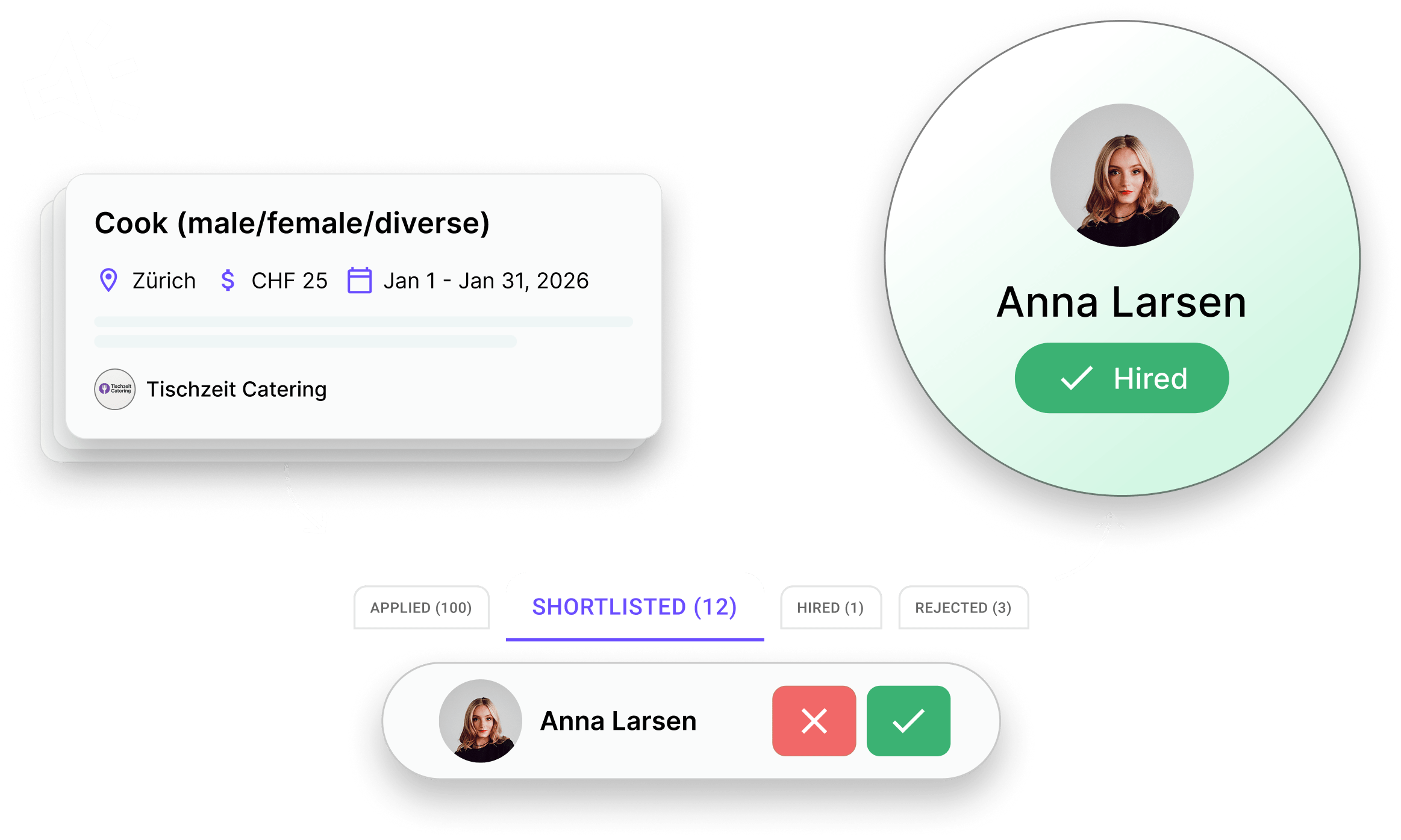
Jobs advertisements
Post job ads in minutes, easily track applications and fill positions without leaving your planning process.
Create a Job ad in minutes and start receiving applications directly in Squadra. Thanks to linked profiles in your locations, you can see if candidates have already applied or worked with you. Speed up the hiring process with a shortlist, automatic responses and custom questions such as availability and preferred workload.
Step 1
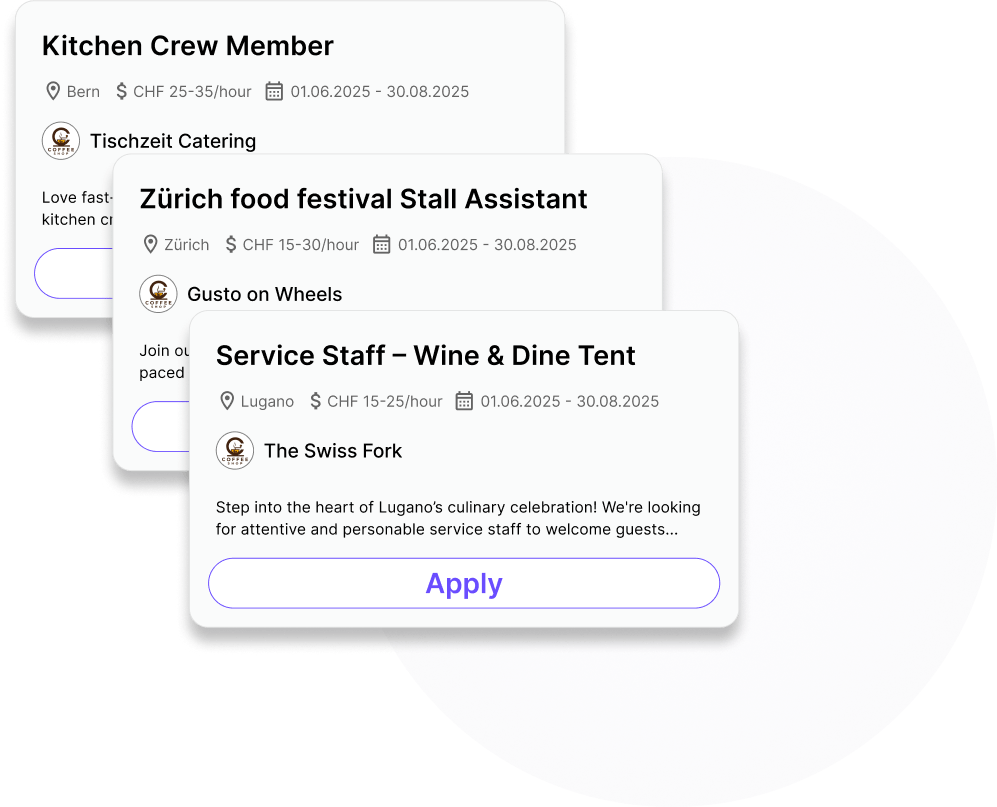
List long-term jobs that you are hiring for directly on Squadra. Once you're ready, publish your ad on the Squadra Jobs platform and optionally share or embed it on your own website.
Step 2
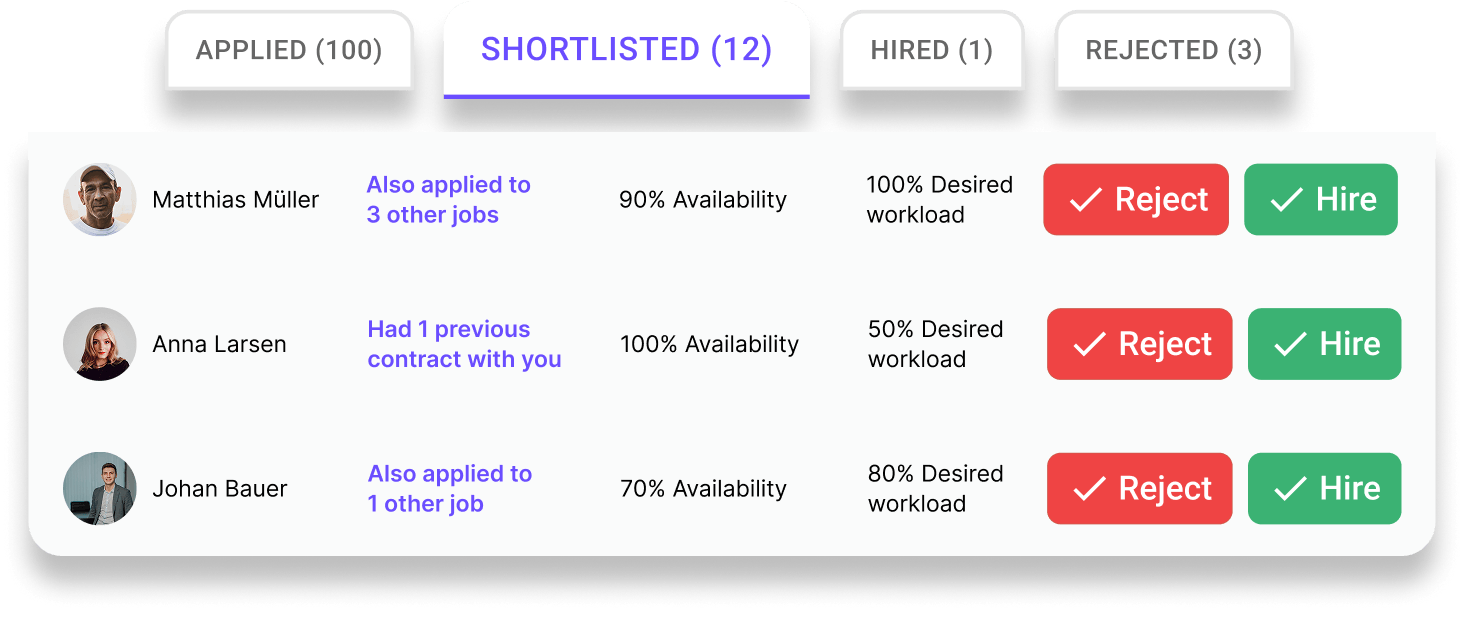
Stay in control of your recruitment pipeline with an optimized system:
Step 3
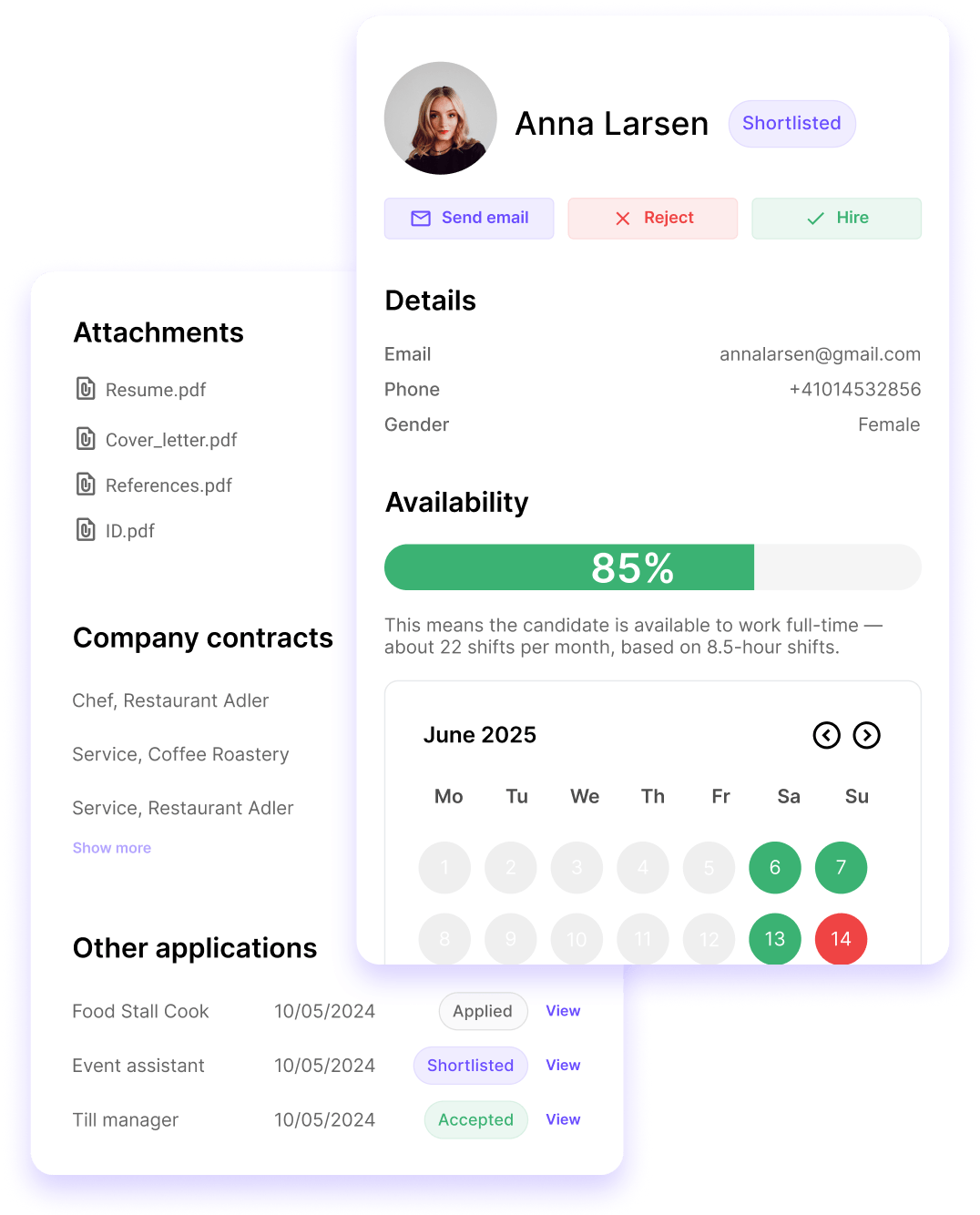
Each application provides you with the important context you need to make confident decisions.
Step 4
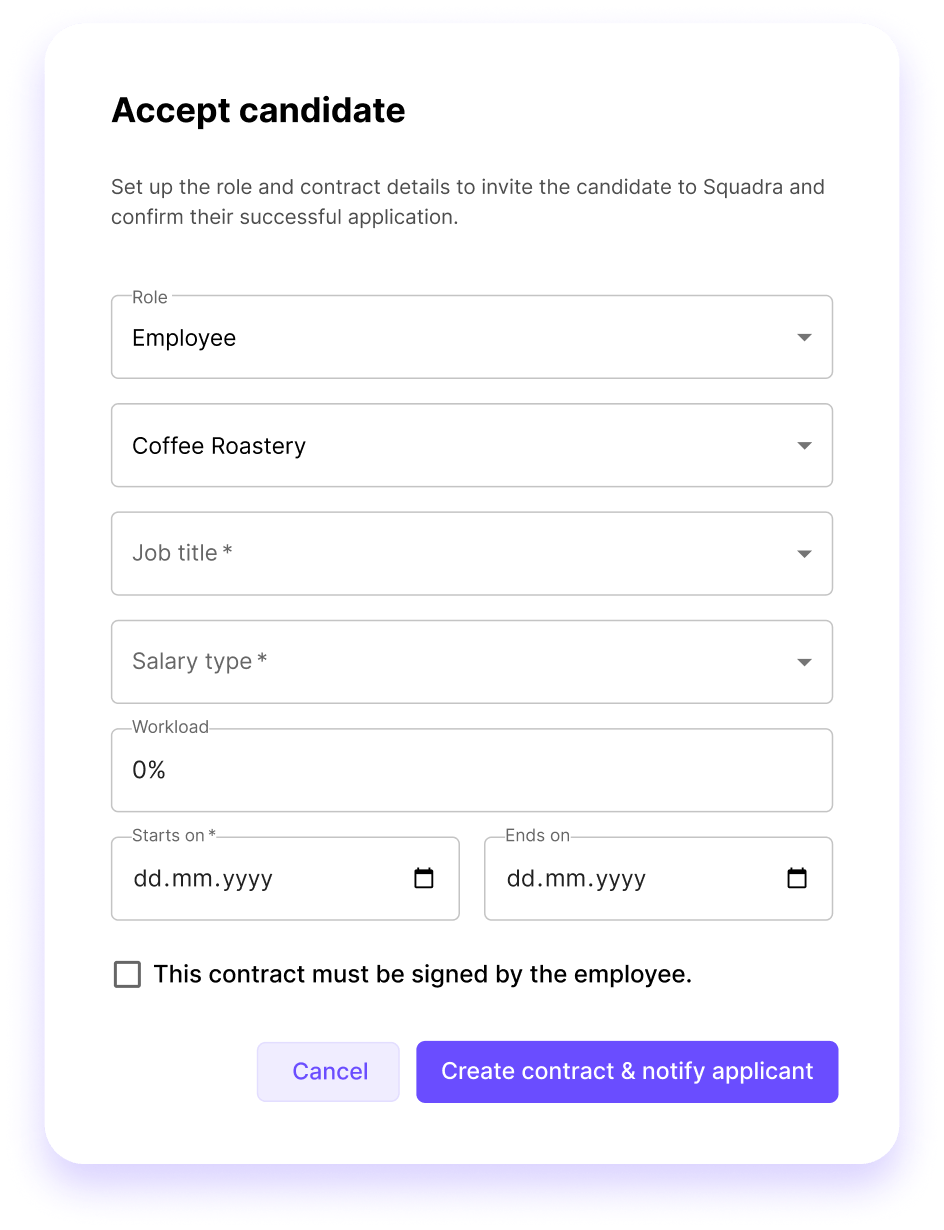
When you accept an applicant, you are immediately guided through the process of creating their contract.
Step 5
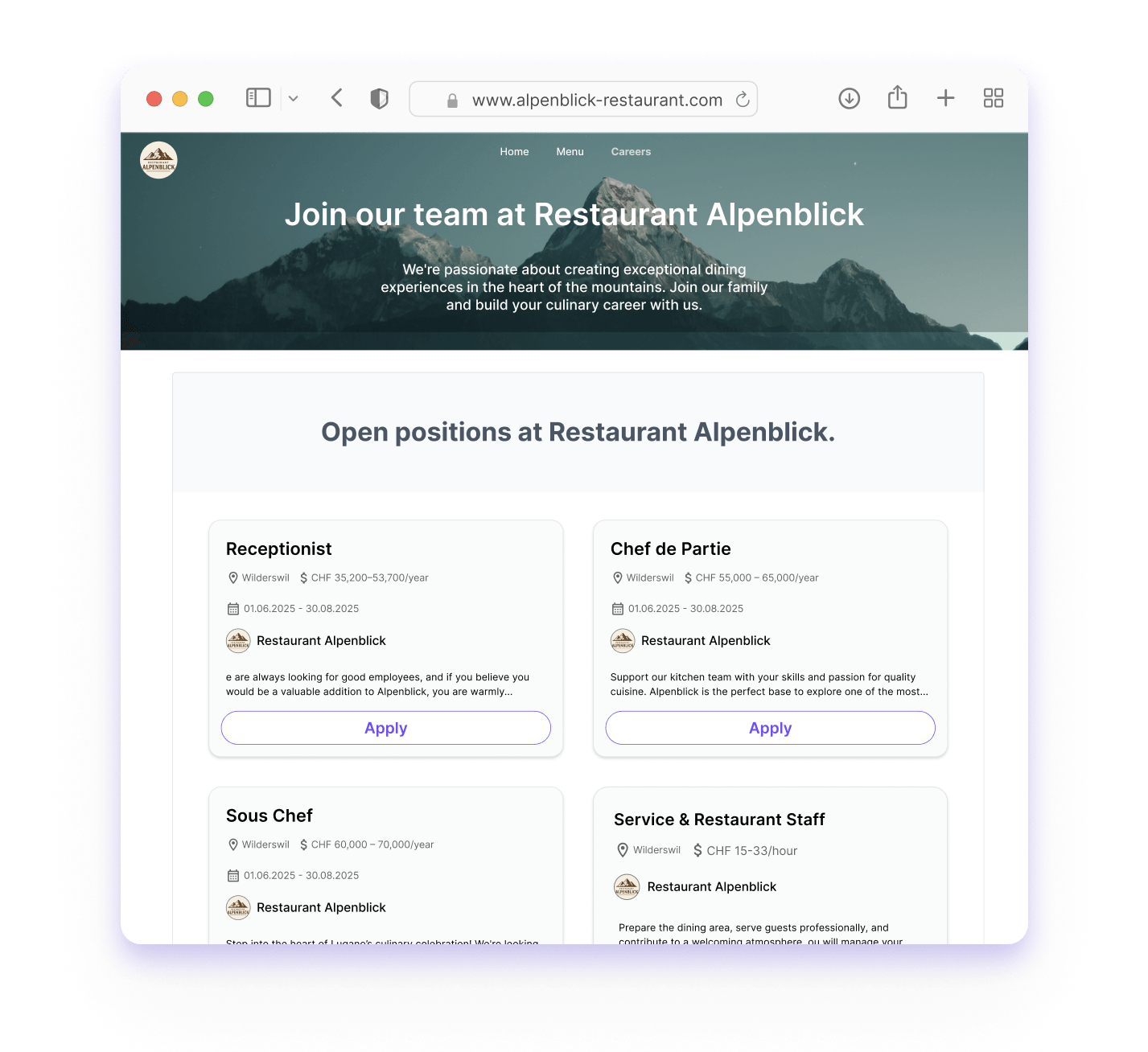
You can also embed your complete job board or a filtered company page directly on your own careers page. Increase visibility and speed up the recruitment process.

Post Jobs, manage applications and speed up the hiring process - all from one place. Less administration, more qualified applicants.
Squadra offers you even more options to simplify your workflow.
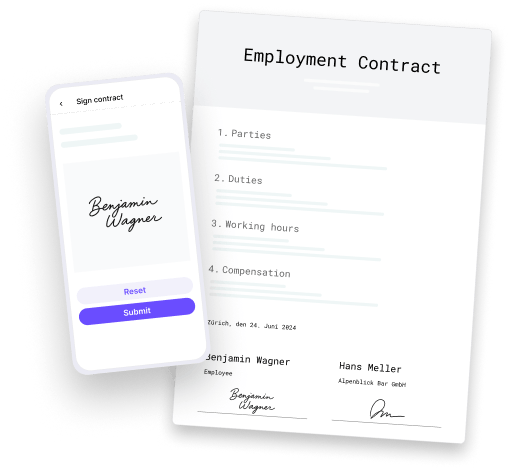
Automatically generate PDF contracts with employee data and have them signed in the app.
Learn more
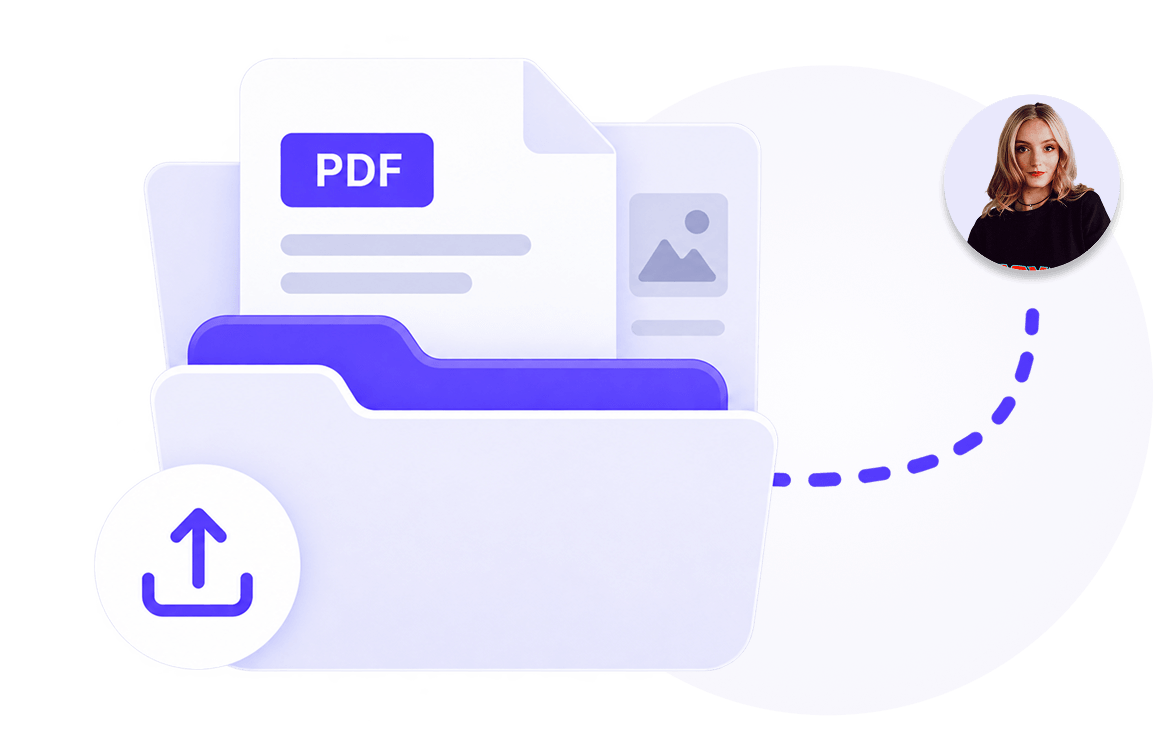
Manage documents centrally and share them selectively with employees.
Learn more
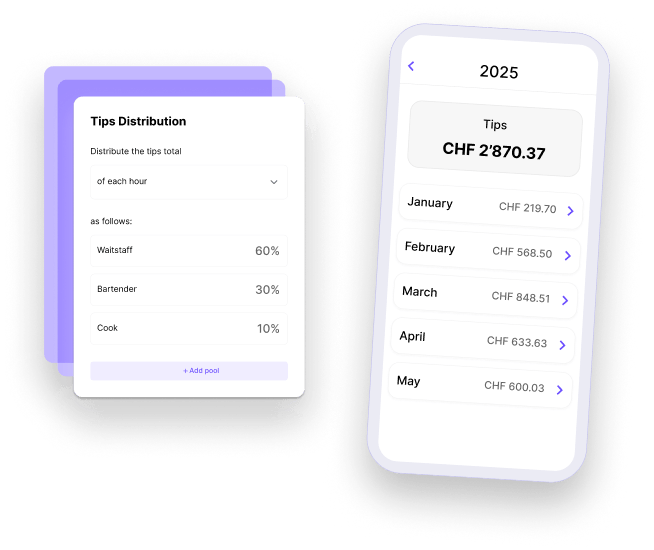
Distribute tips accurately and fairly.
Learn more
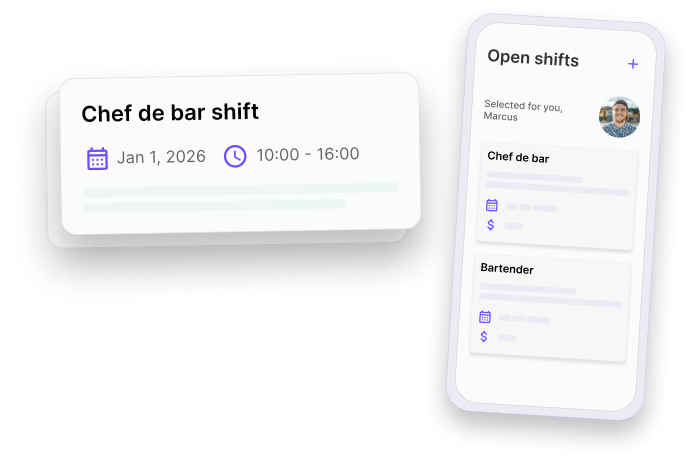
Fill gaps in the schedule quickly and give your employees the opportunity to take on additional shifts.
Learn more
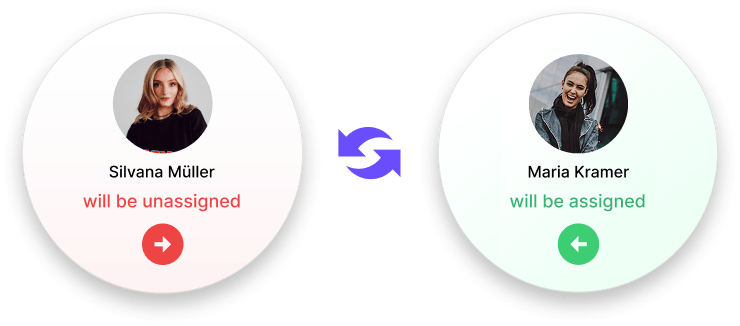
Allow your employees to swap shifts - with just one click for approval by their supervisor.
Learn more
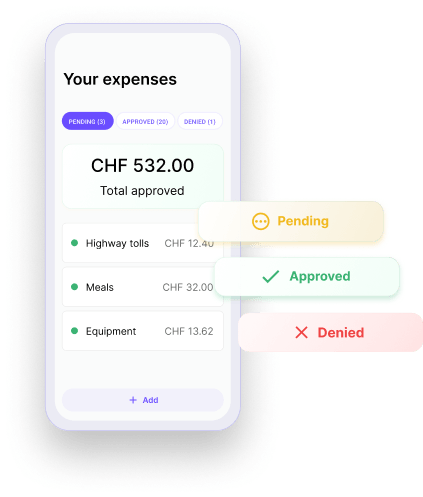
Check and approve expenses submitted by employees directly in the app.
Learn more

Keep everyone involved in the loop. Messages centralizes team communication so that updates are clear, announcements reach the right people and work stays organized. All within Squadra.
Learn more
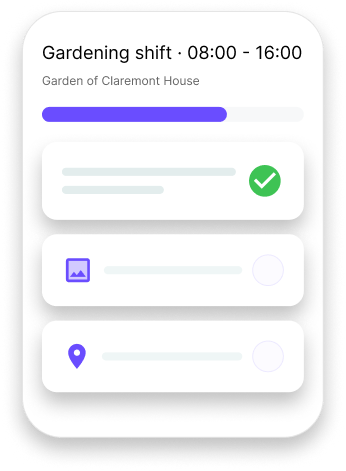
Make shifts to clear, understandable work - with structured tasks and shared context.
Learn more