Signed contracts
Digital contracts, fully automated.
Create, send and sign - with just one click. With Squadra, manual contract creation is a thing of the past.
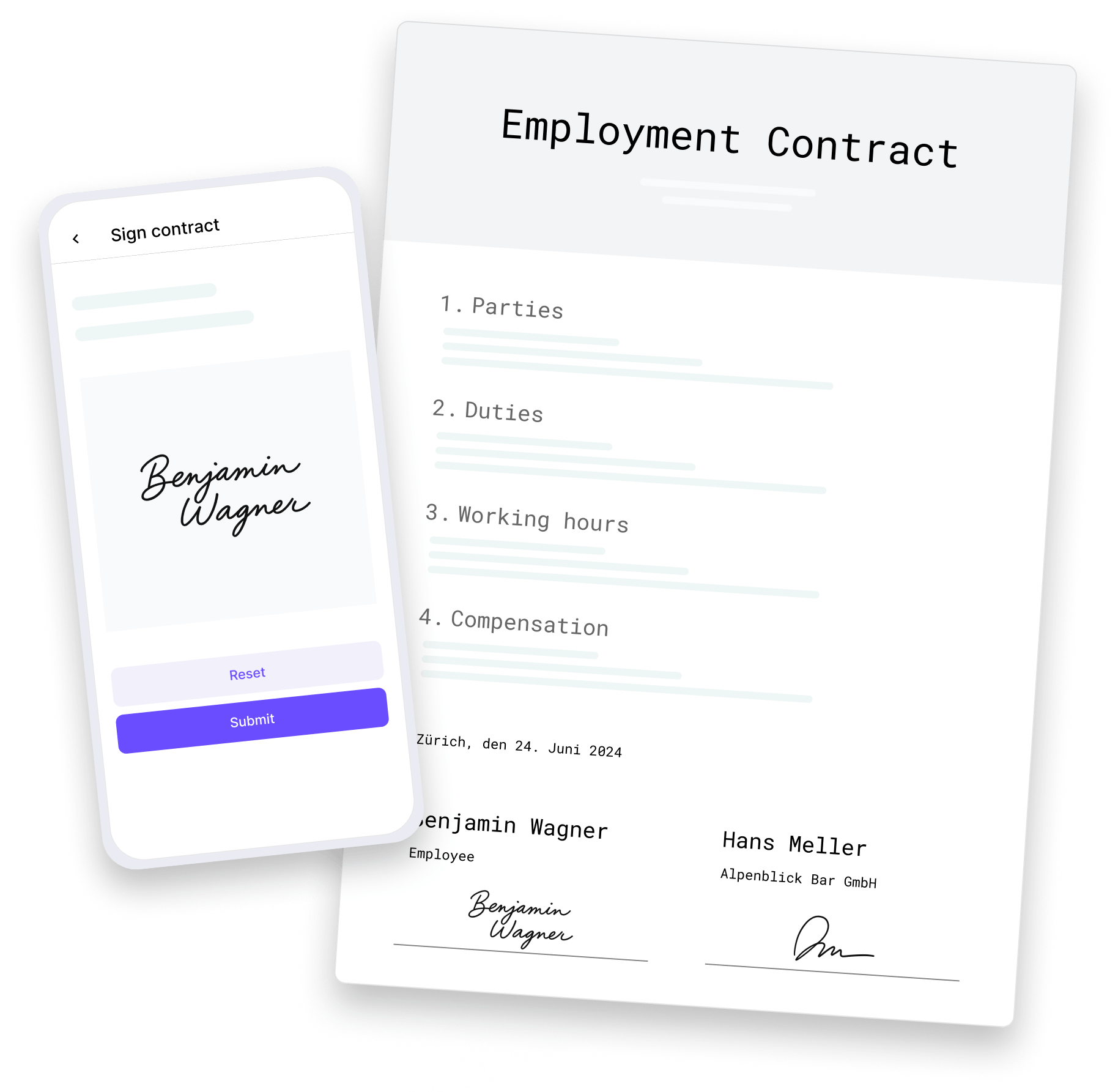
Signed contracts
Create, send and sign - with just one click. With Squadra, manual contract creation is a thing of the past.
With Squadra, you create a contract template once and automatically generate individual contracts for your entire team. The platform automatically fills in all employee data and sends the documents for digital signature.
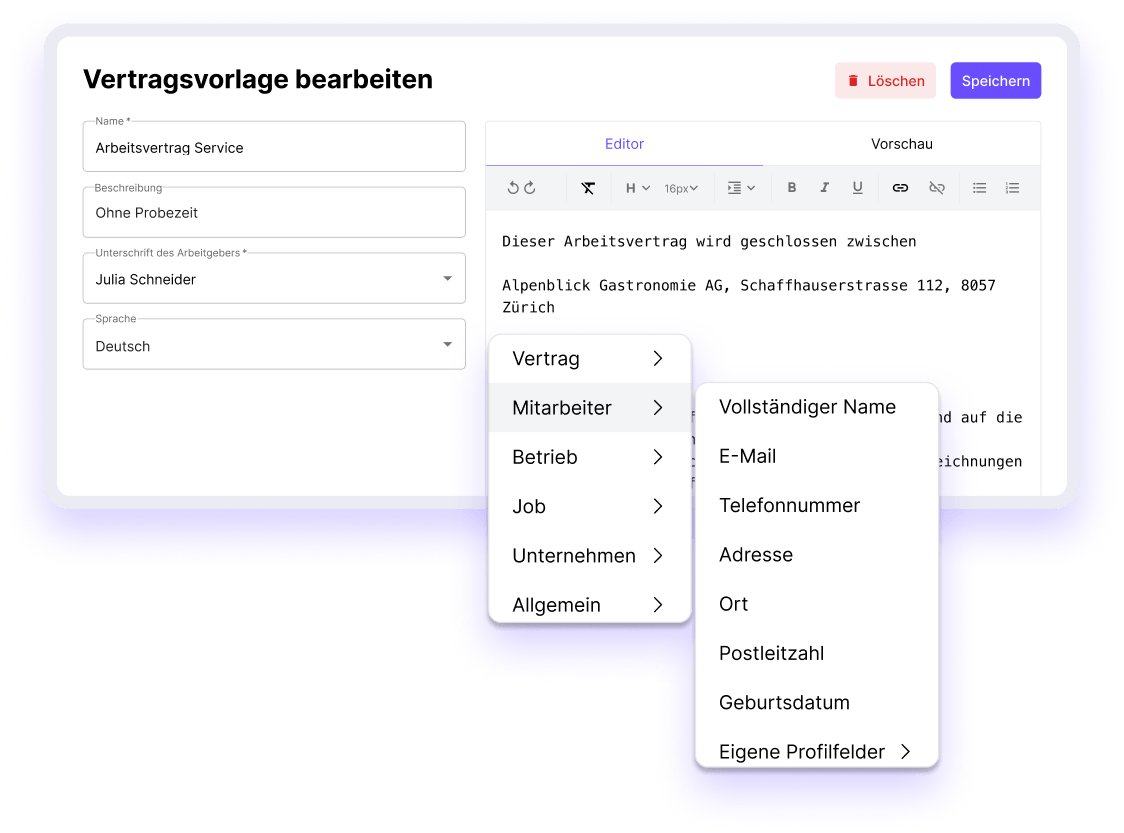
Step 1
Save yourself hours of copying and pasting: Create your contract template once and reuse it as often as you like. Use tags to mark fields such as name or address - and Squadra will automatically fill in the corresponding employee data later.
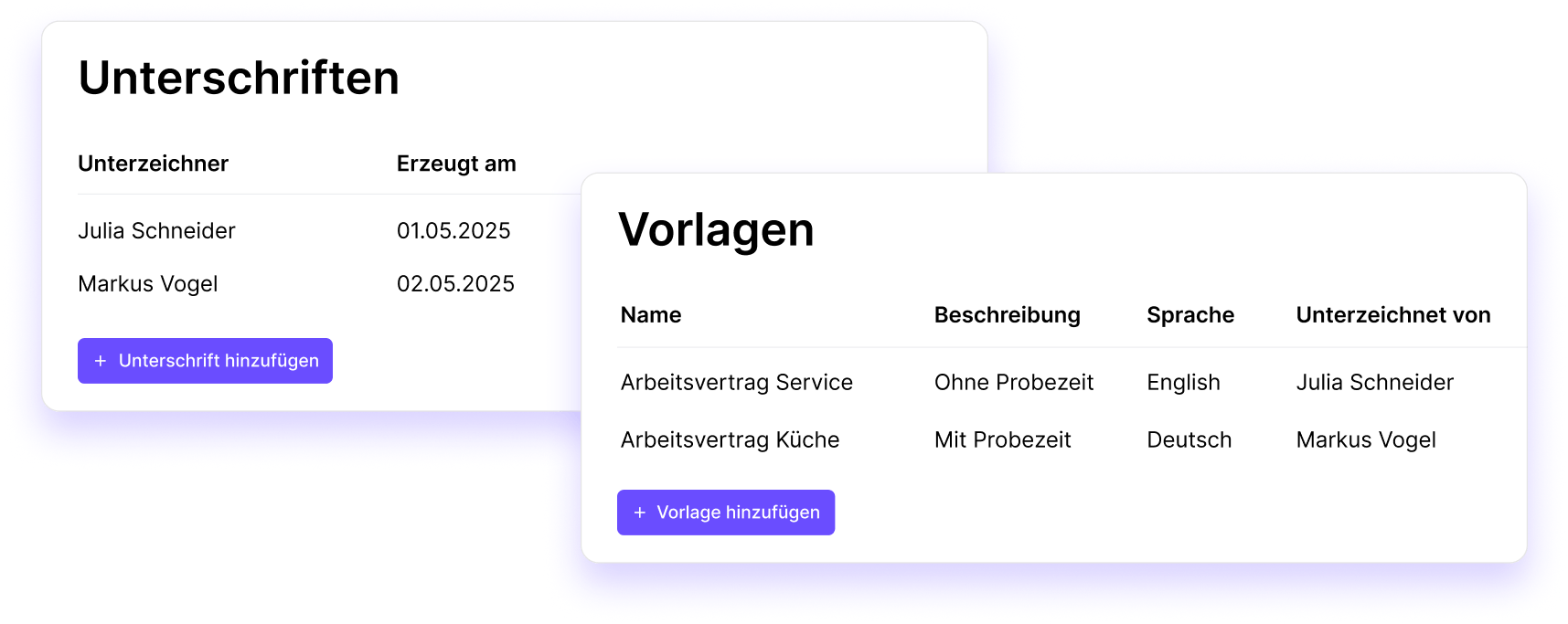
Step 2
Your own digital signature is always ready for use - no printing, scanning or re-uploading required.
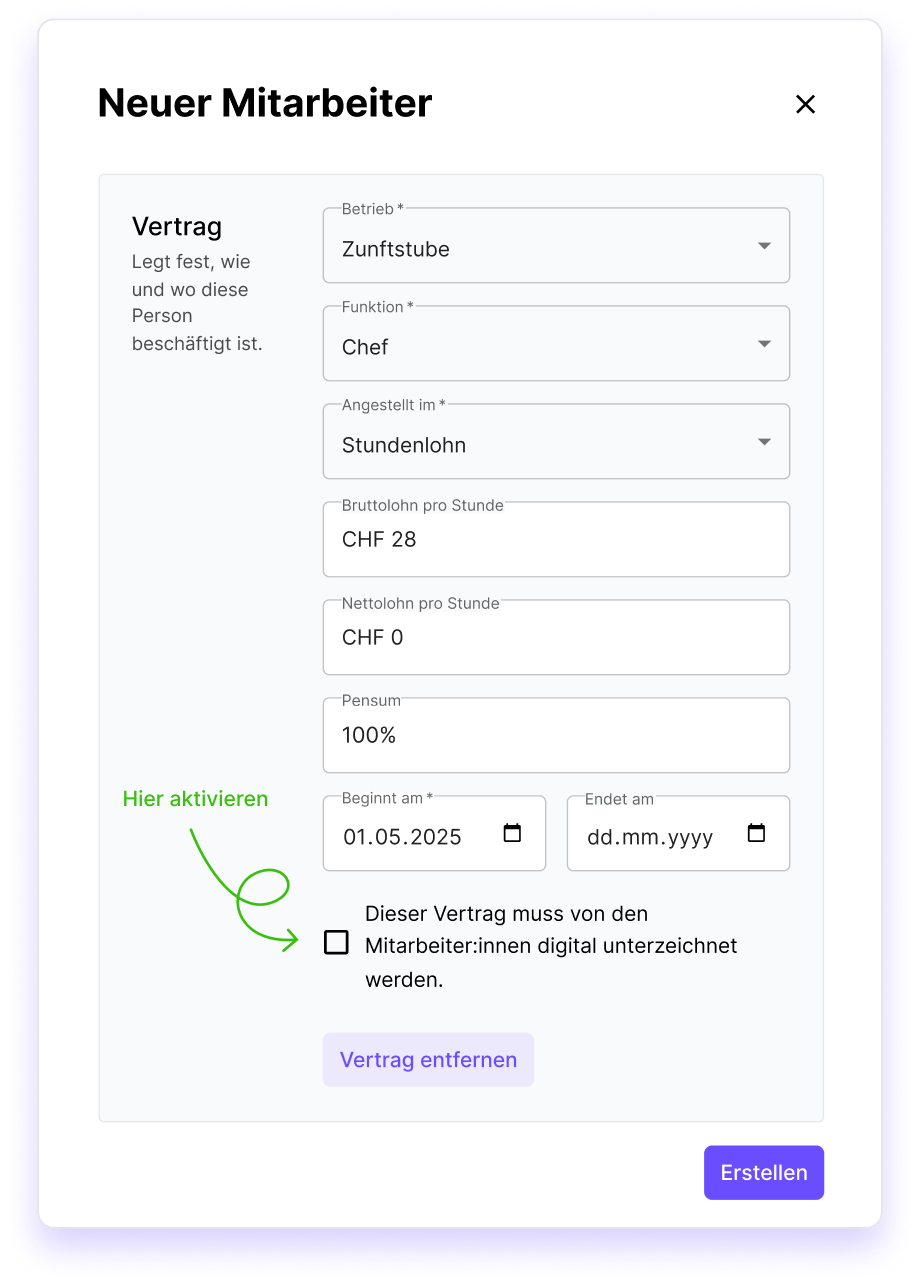
Step 3
Create individual contracts for new and existing employees with one click - automatically and error-free.
Step 4
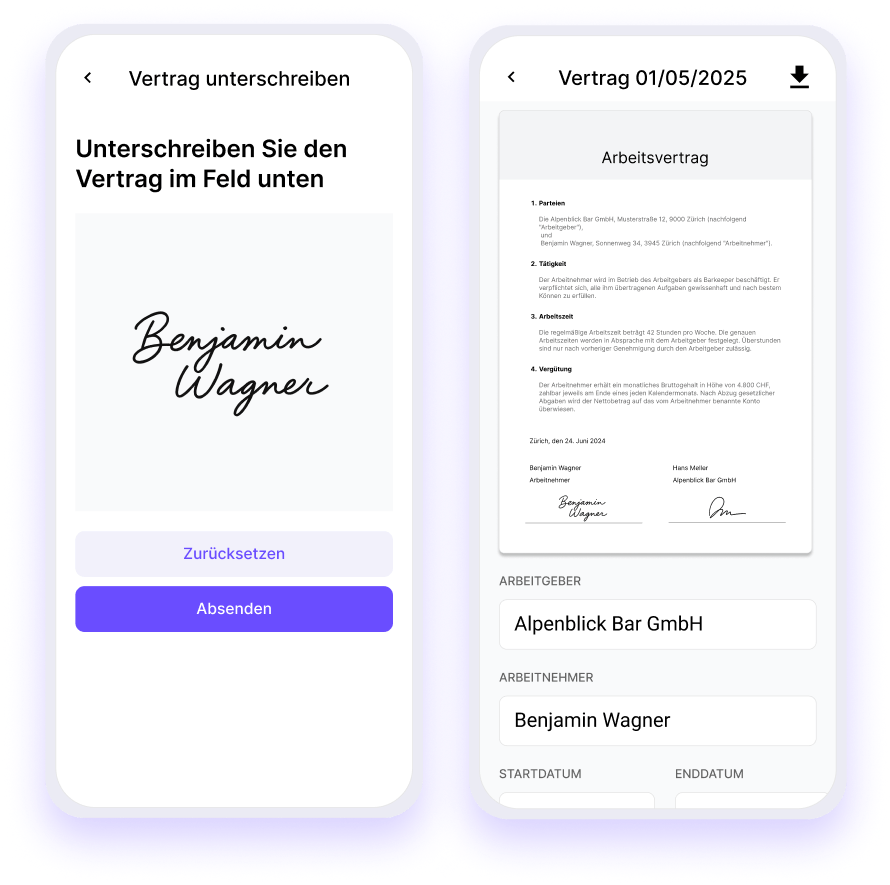
Make it easy for your team: contracts can be viewed and digitally signed directly on the smartphone.
Step 5
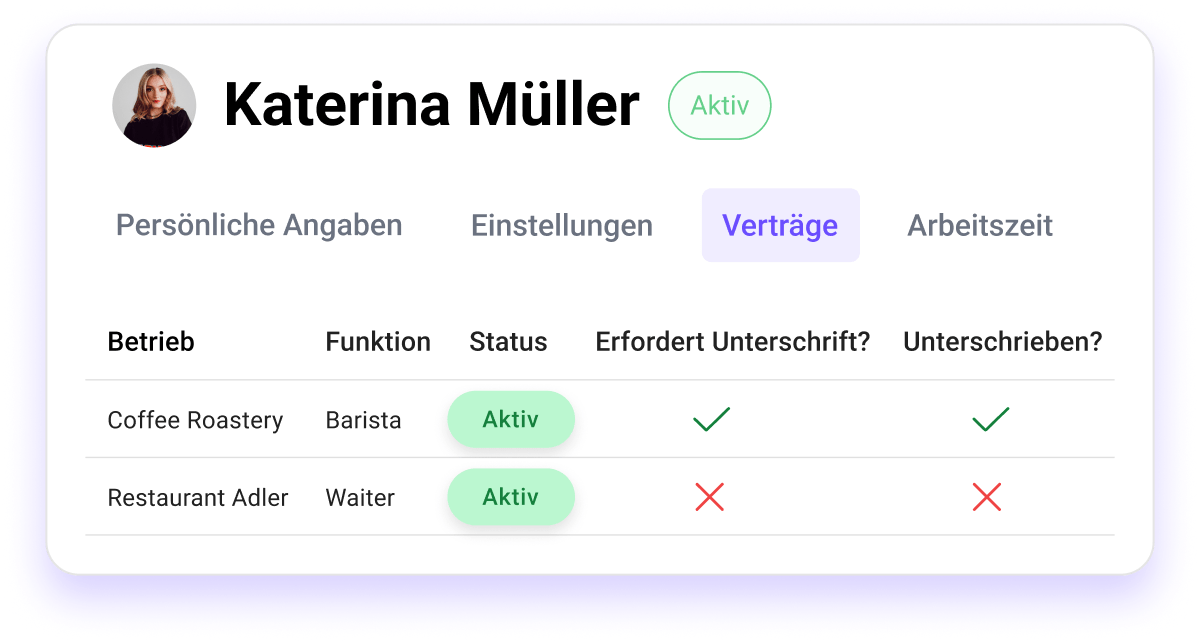
You can immediately see which contracts have already been signed and never have to search for them again.

With the contracts signed by Squadra, you automate your processes and always remain in control. Less effort, more overview.
Squadra offers you even more options to simplify your workflow.
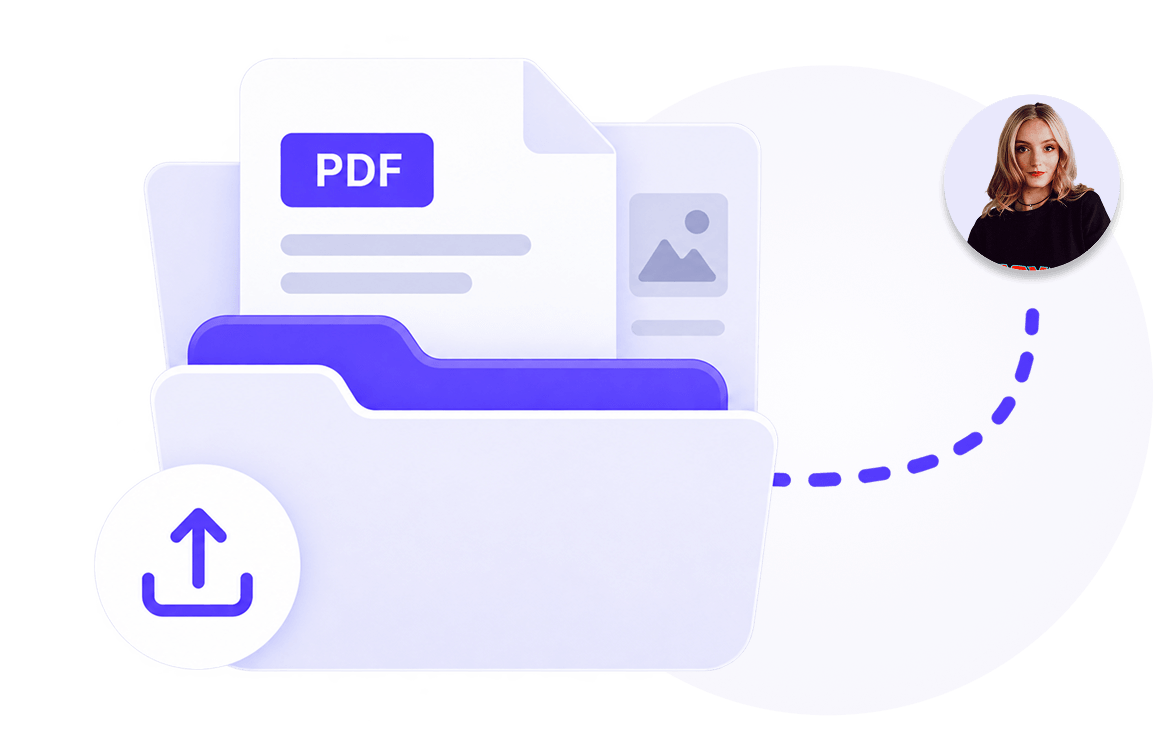
Manage documents centrally and share them selectively with employees.
Learn more
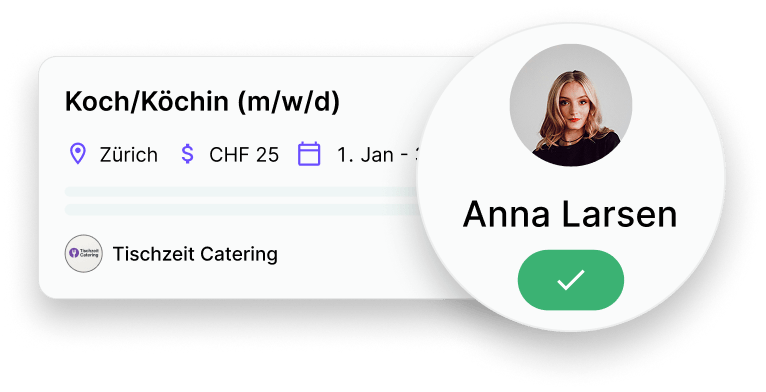
Publish vacancies, collect applications and hire faster and with less administration.
Learn more
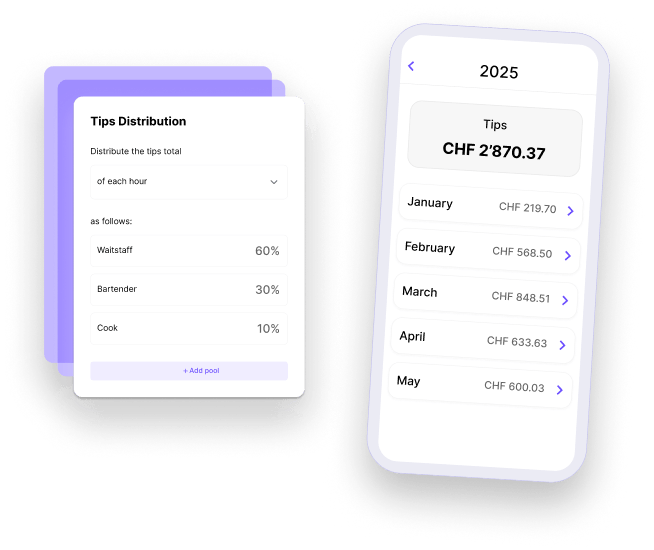
Distribute tips accurately and fairly.
Learn more
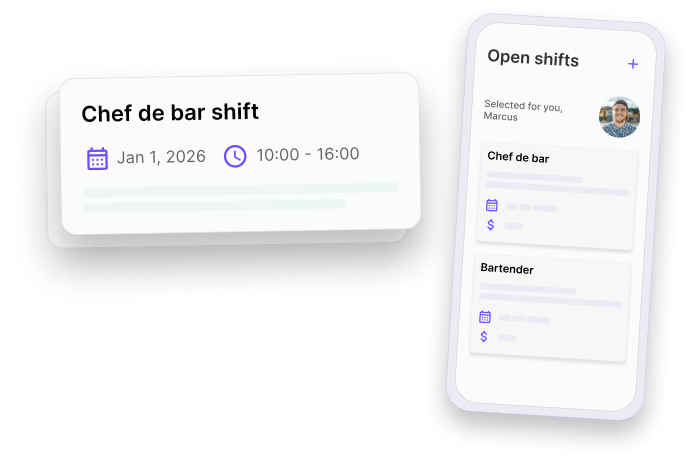
Fill gaps in the schedule quickly and give your employees the opportunity to take on additional shifts.
Learn more
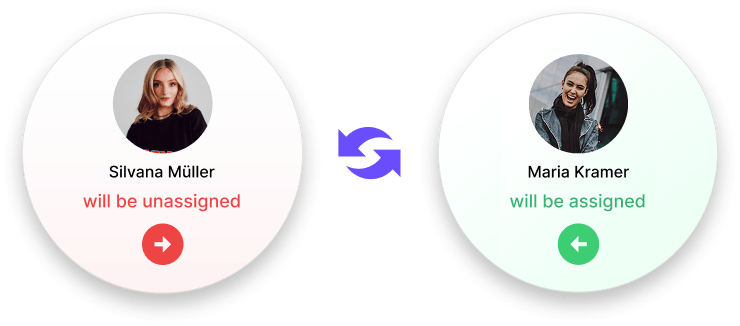
Allow your employees to swap shifts - with just one click for approval by their supervisor.
Learn more
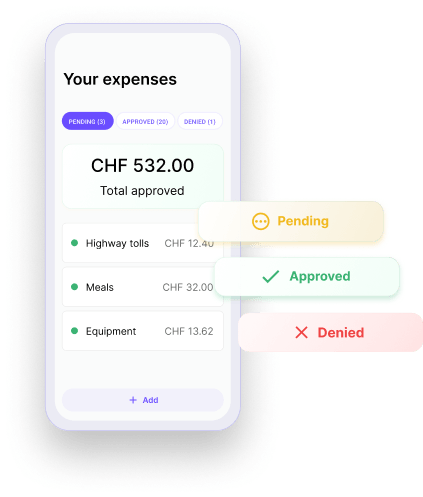
Check and approve expenses submitted by employees directly in the app.
Learn more
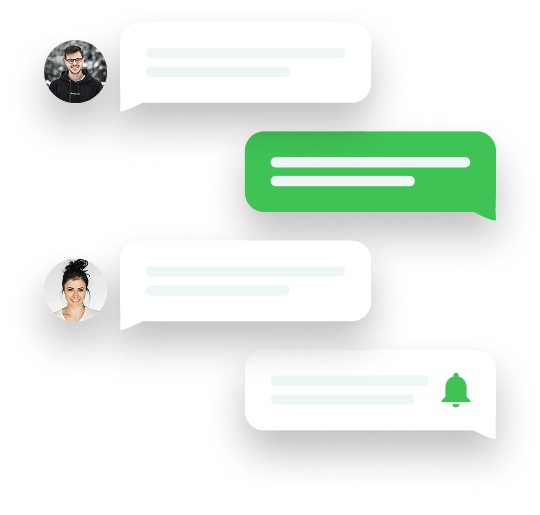
Keep everyone involved in the loop. Messages centralizes team communication so that updates are clear, announcements reach the right people and work stays organized. All within Squadra.
Learn more
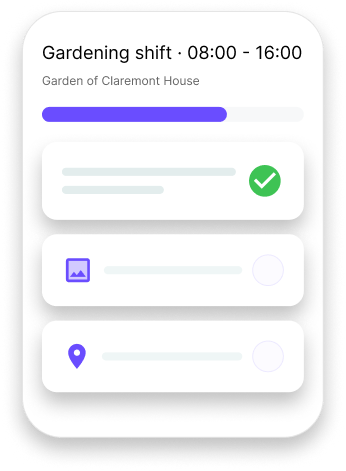
Make shifts to clear, understandable work - with structured tasks and shared context.
Learn more