Shifts displays
Fill free shifts without any problems.
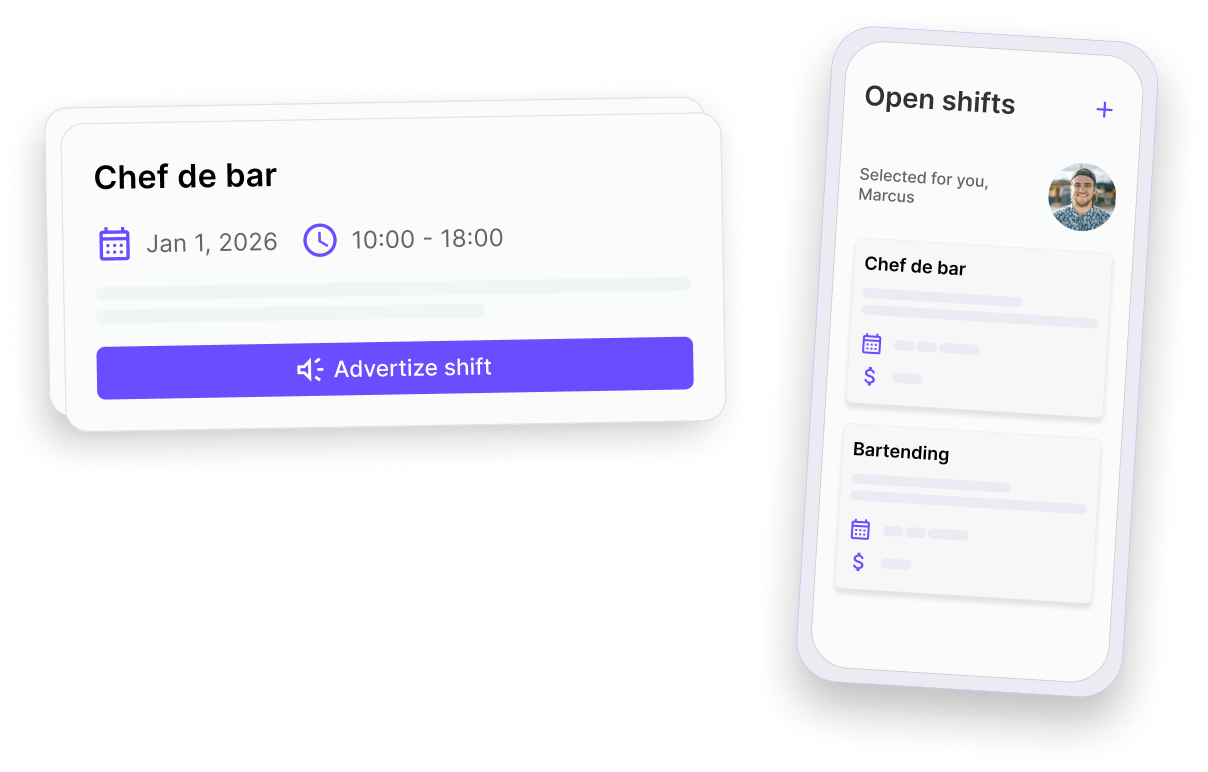
Dispatch open shifts to team members with the right skills, manage responses and assign shifts with special contracts when needed.
Shifts displays
Dispatch open shifts to team members with the right skills, manage responses and assign shifts with special contracts when needed.
Shift Ads helps you close gaps faster by connecting the right people to the right shifts, with clear terms and smooth communication from start to finish.
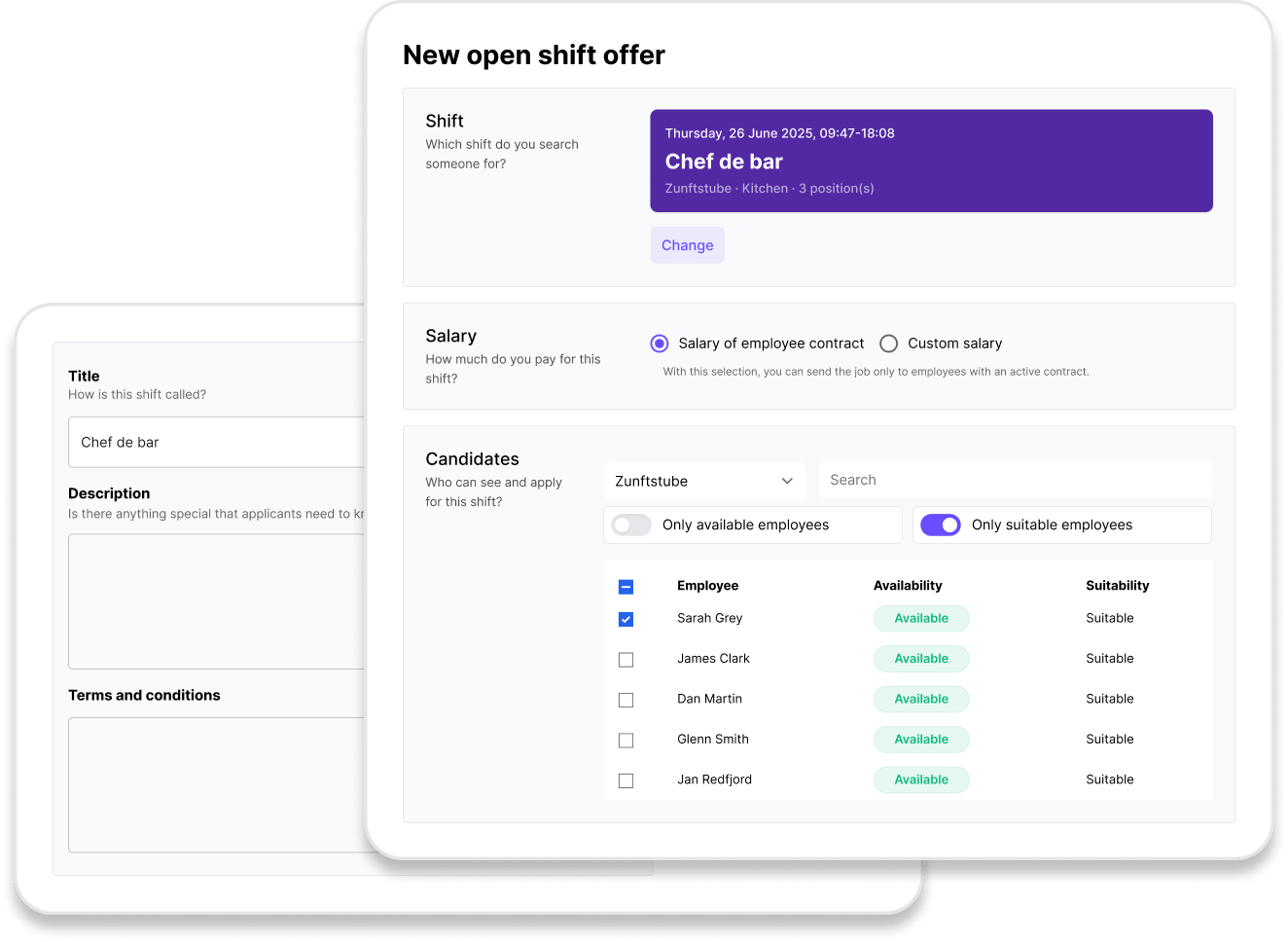
Step 1
Start from a created shift and add more details. Set clear expectations before the shift begins.
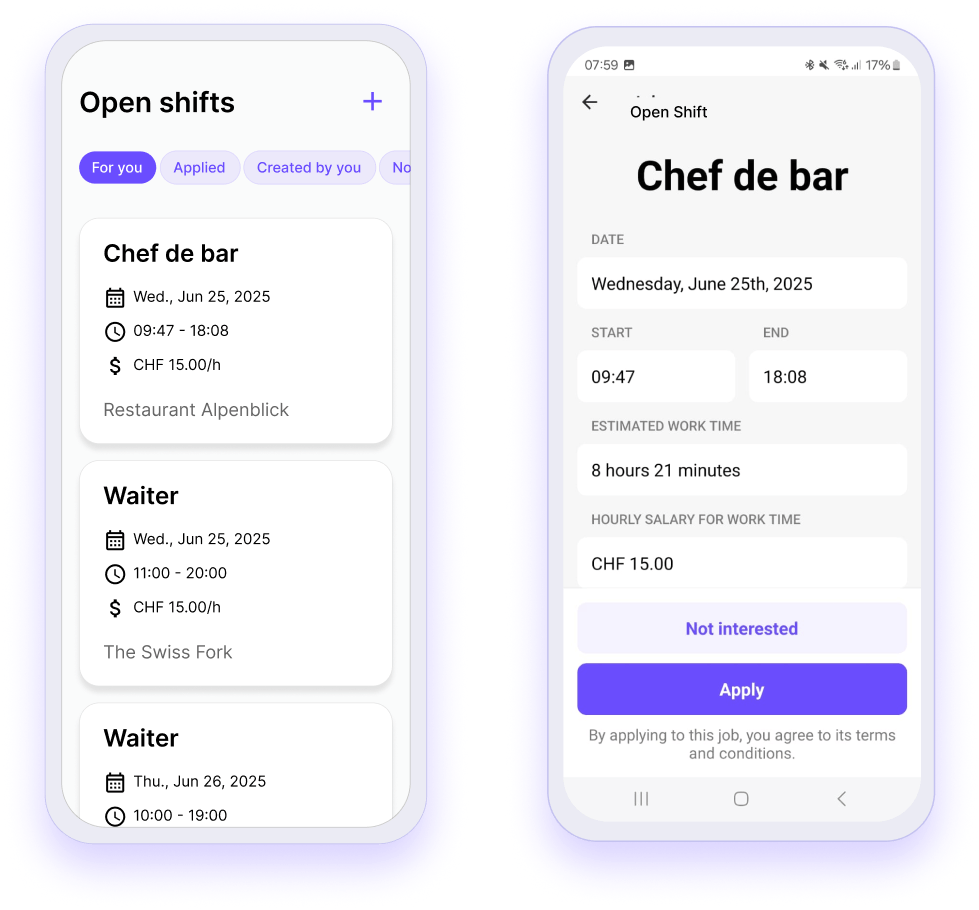
Step 2
Shifts are published directly in the Squadra app - no delays, no confusion. Employees can view and apply for relevant vacancies with a single tap.
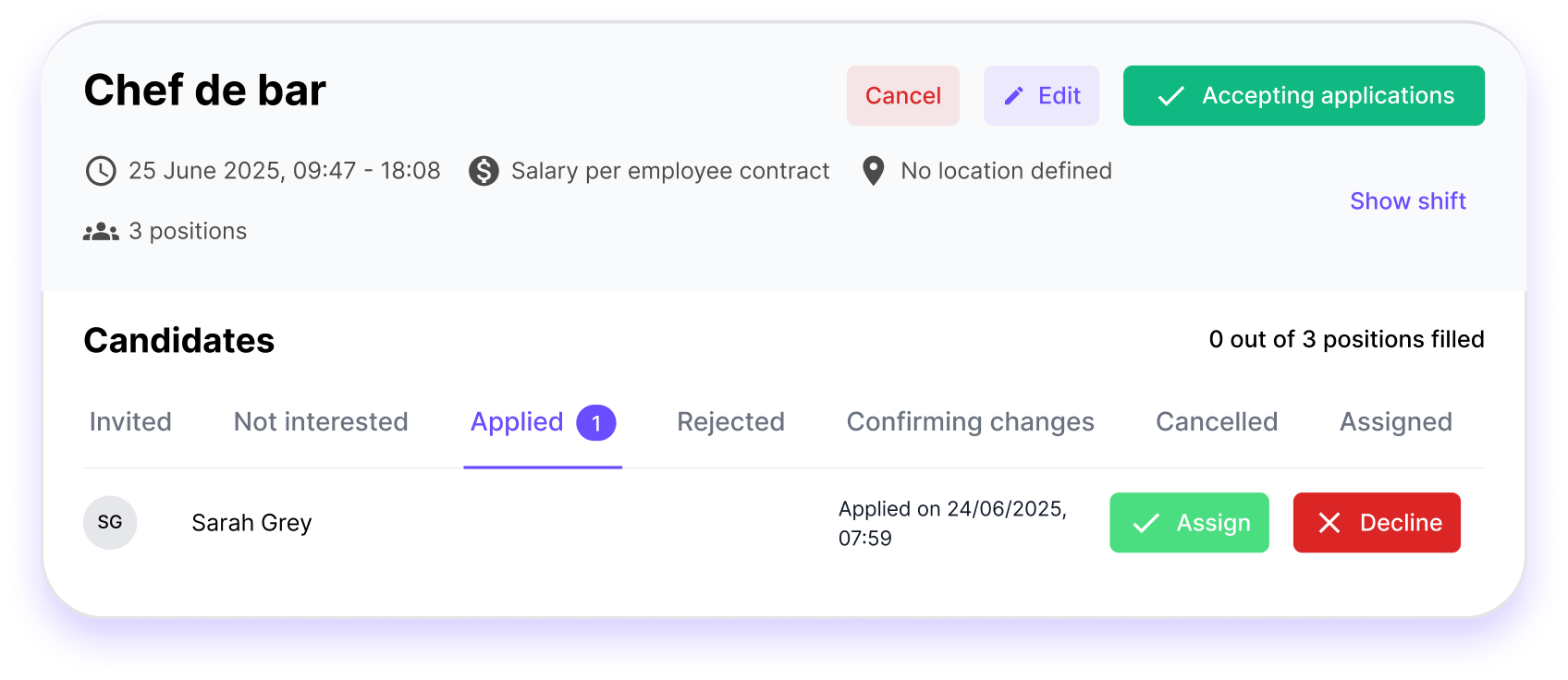
Step 3
Manage all applications from a single screen - quickly, easily and clearly. See who has applied, make a decision and move on.
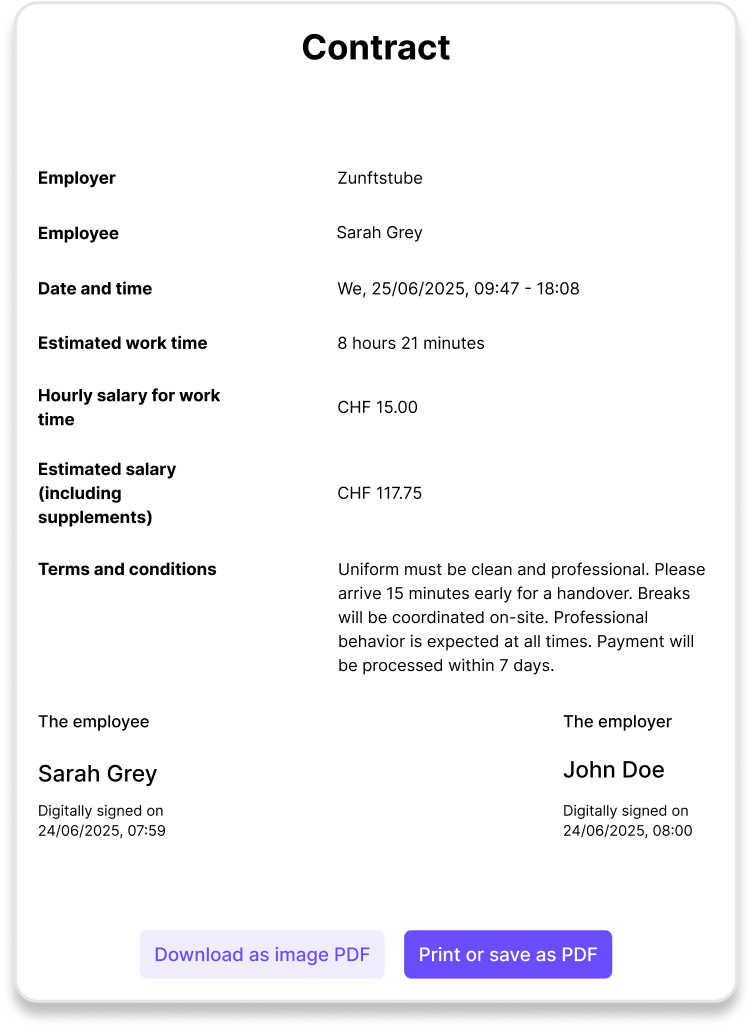
Step 4
Automatically generate a contract tailored to each shift - role, time, pay and more. Ideal for ad hoc work or short-term substitutions.

Whether you want to fill last-minute gaps or equip your entire branch with flexible staff, Squadra makes it easy.
Squadra offers you even more options to simplify your workflow.
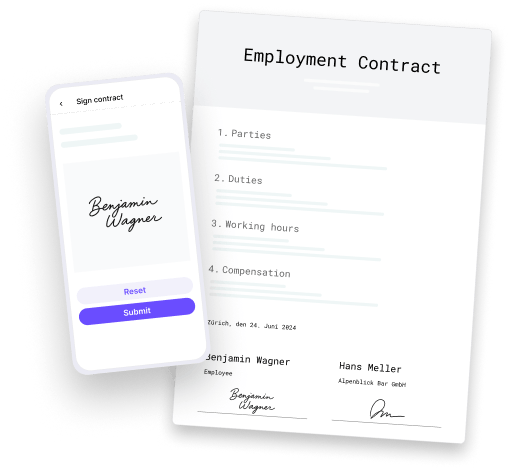
Automatically generate PDF contracts with employee data and have them signed in the app.
Learn more
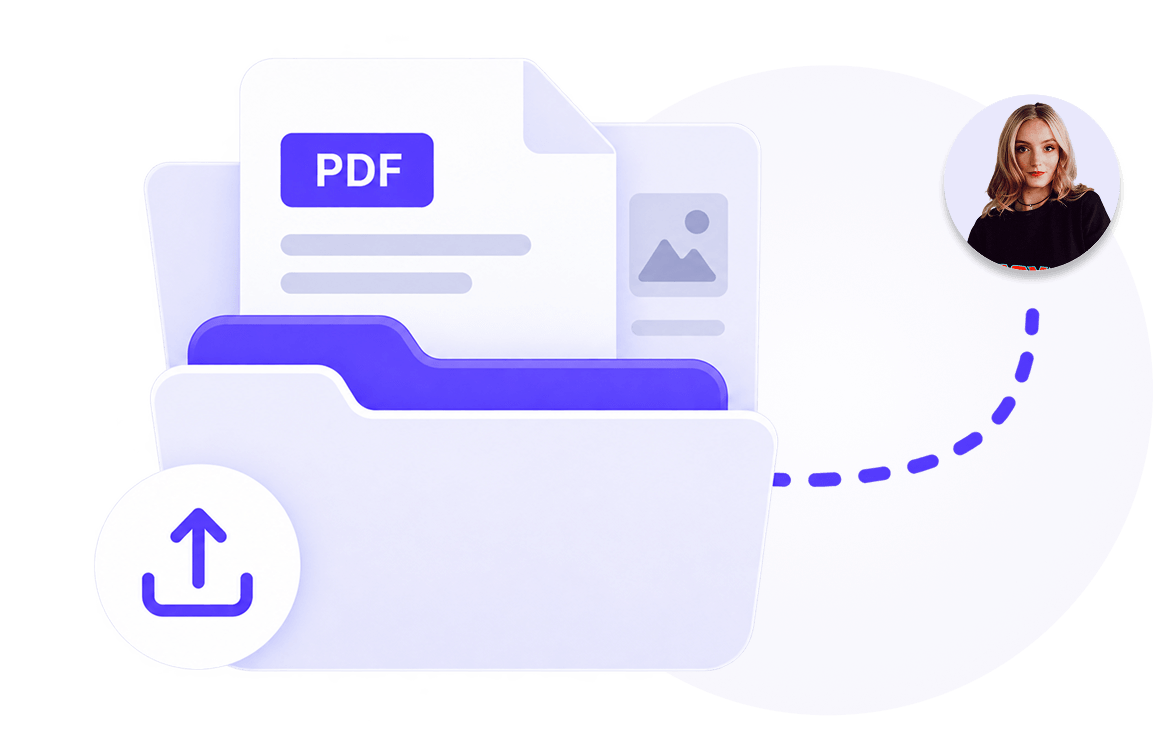
Manage documents centrally and share them selectively with employees.
Learn more
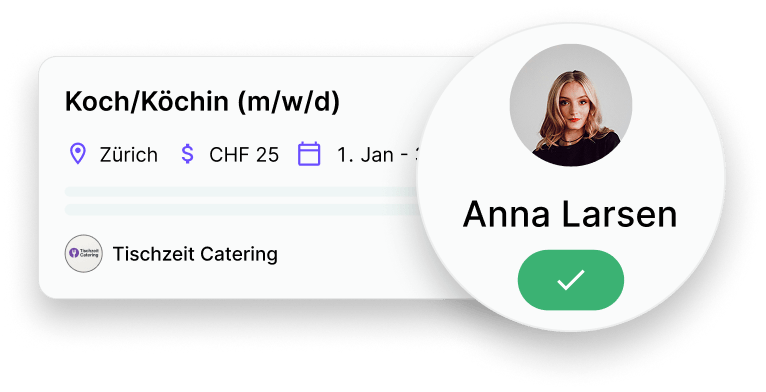
Publish vacancies, collect applications and hire faster and with less administration.
Learn more
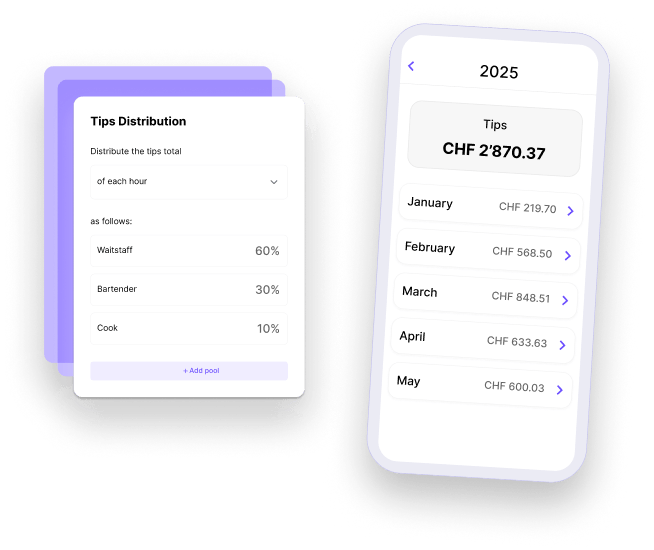
Distribute tips accurately and fairly.
Learn more
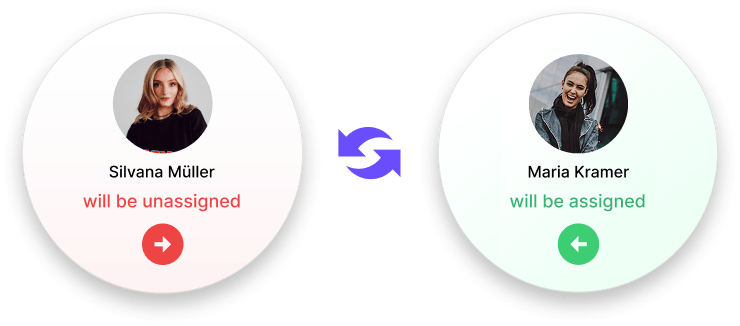
Allow your employees to swap shifts - with just one click for approval by their supervisor.
Learn more
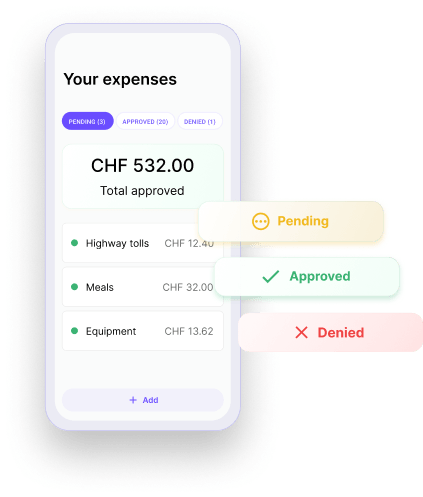
Check and approve expenses submitted by employees directly in the app.
Learn more
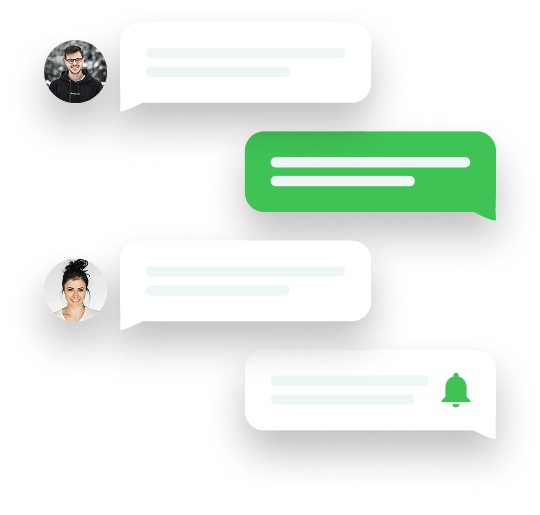
Keep everyone involved in the loop. Messages centralizes team communication so that updates are clear, announcements reach the right people and work stays organized. All within Squadra.
Learn more
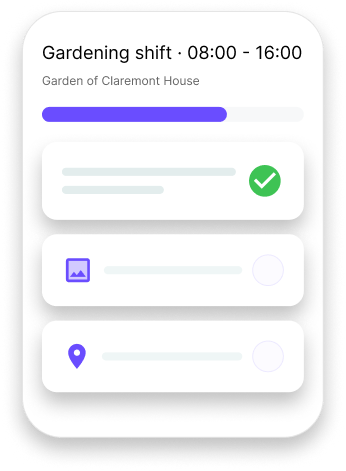
Make shifts to clear, understandable work - with structured tasks and shared context.
Learn more