News
Manage communication where the work takes place.
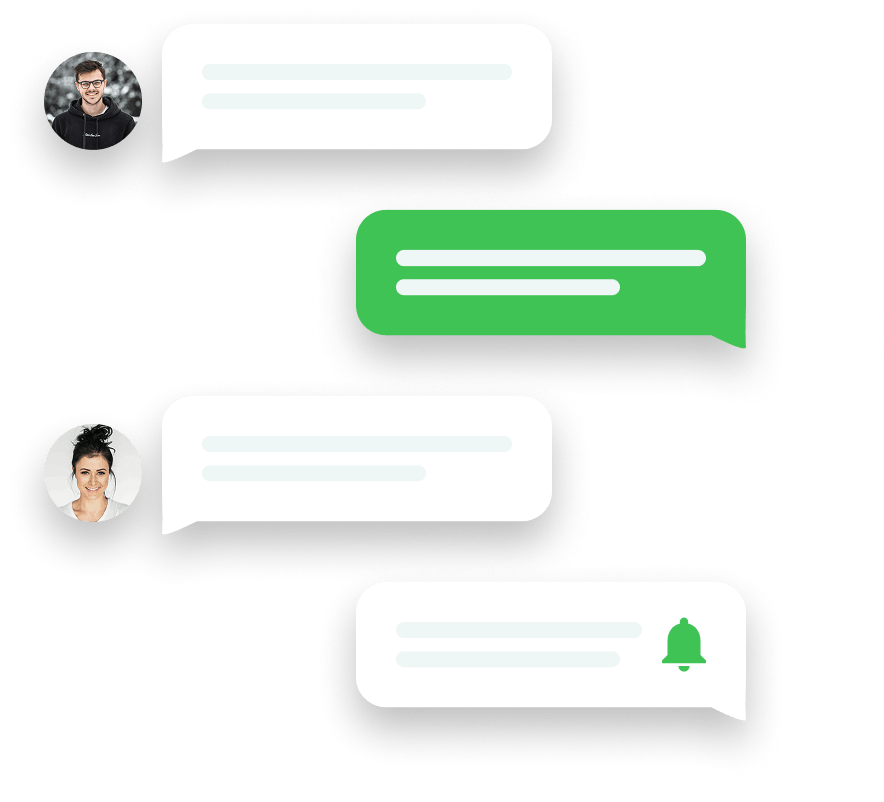
Bring all your team communication into Squadra so you can manage, inform and support your employees without having to rely on external applications.
News
Bring all your team communication into Squadra so you can manage, inform and support your employees without having to rely on external applications.
Make sure every update is easy to follow and every announcement is highly visible, with clear channels for the right teams.
Step 1
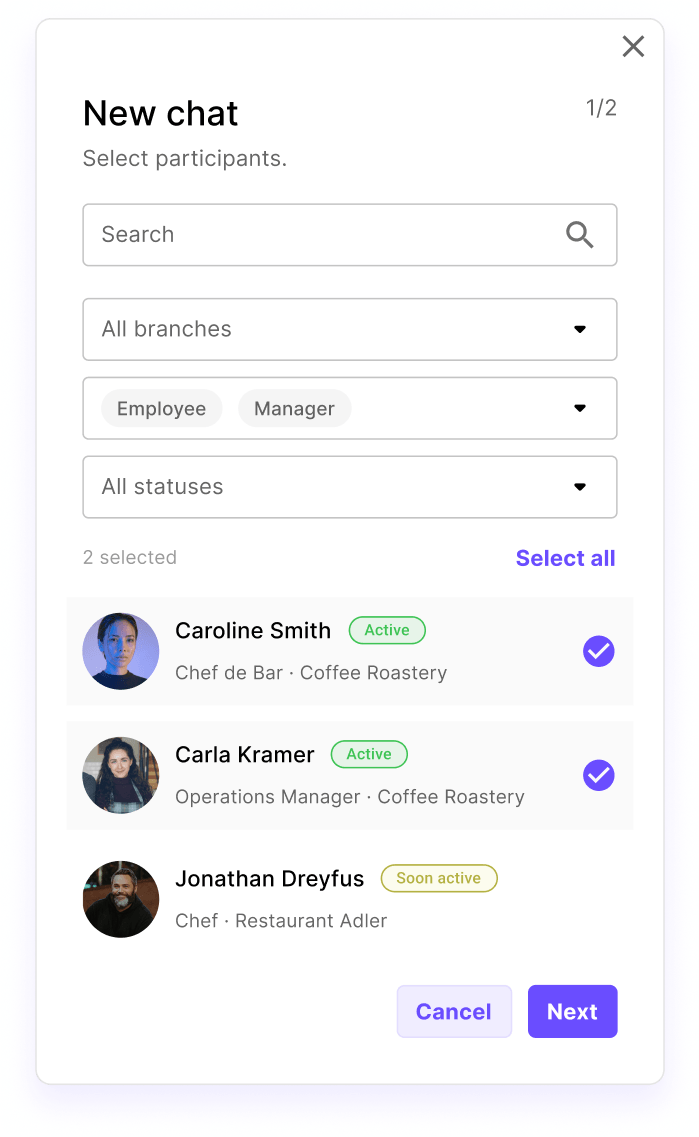
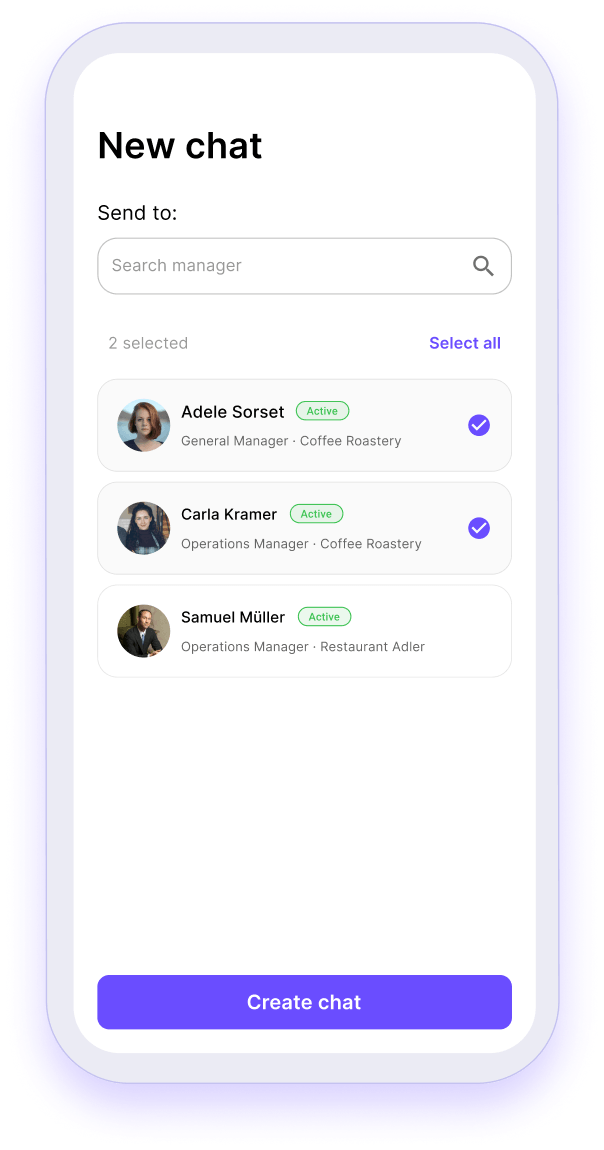
Managers can set up 1:1 chats or group chats in seconds and add the right people with simple filters.
Step 2
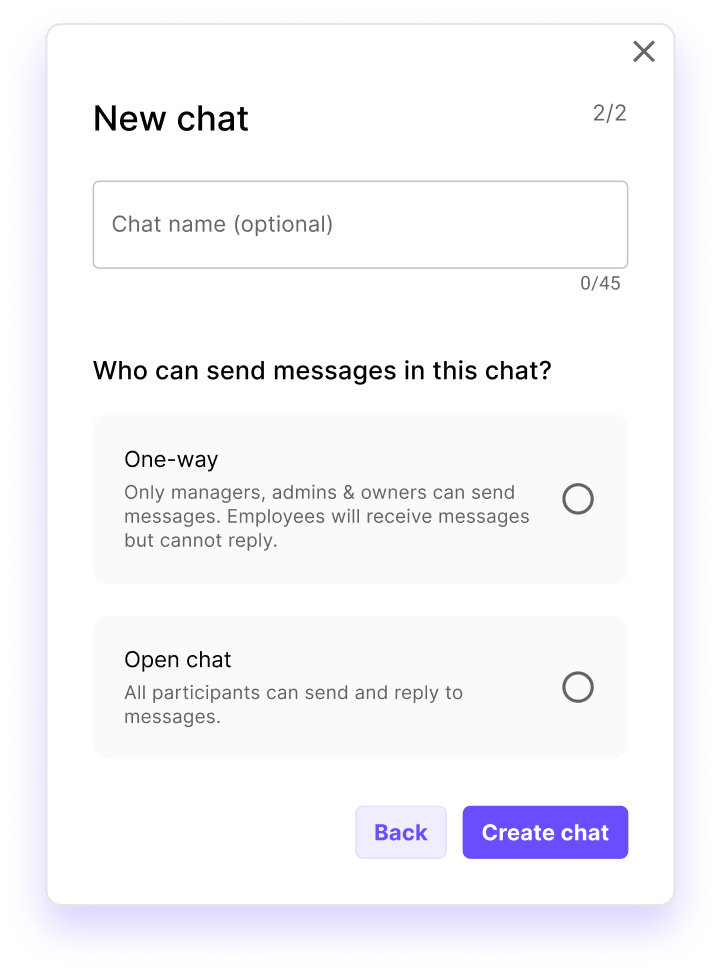
Specify whether chats are for announcements only or open for two-way conversations.
Step 3
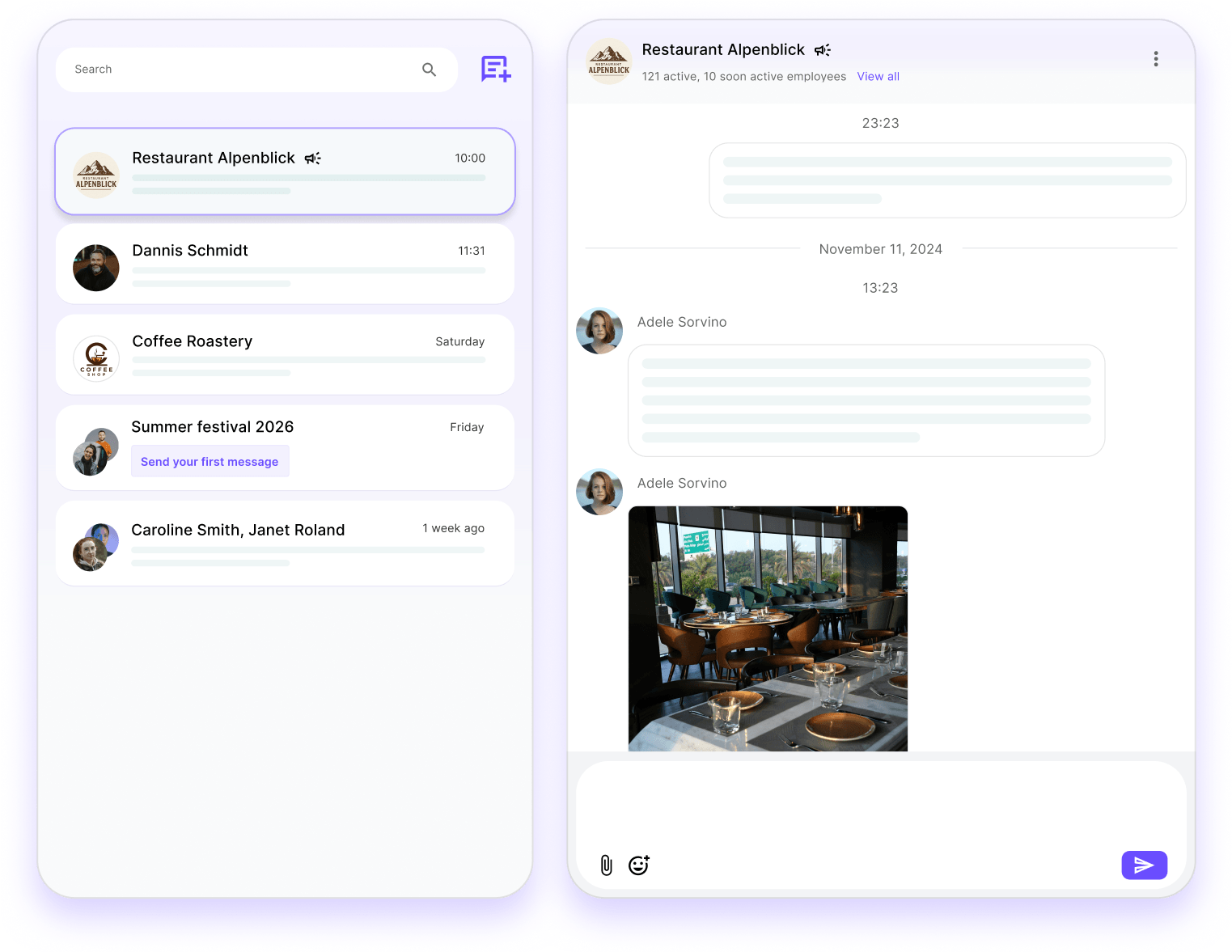
Create chats based on rules such as branch, role or active status, and let Squadra automatically keep participants up to date as your team changes.
Step 4
Employees can start chats with managers if they need support or clarification.

Announcements and chats converge in one place, making it easy to stay informed, responsive and up to date without distractions.
Squadra offers you even more options to simplify your workflow.
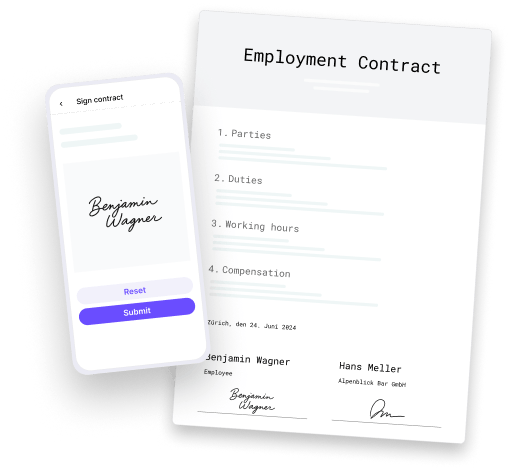
Automatically generate PDF contracts with employee data and have them signed in the app.
Learn more
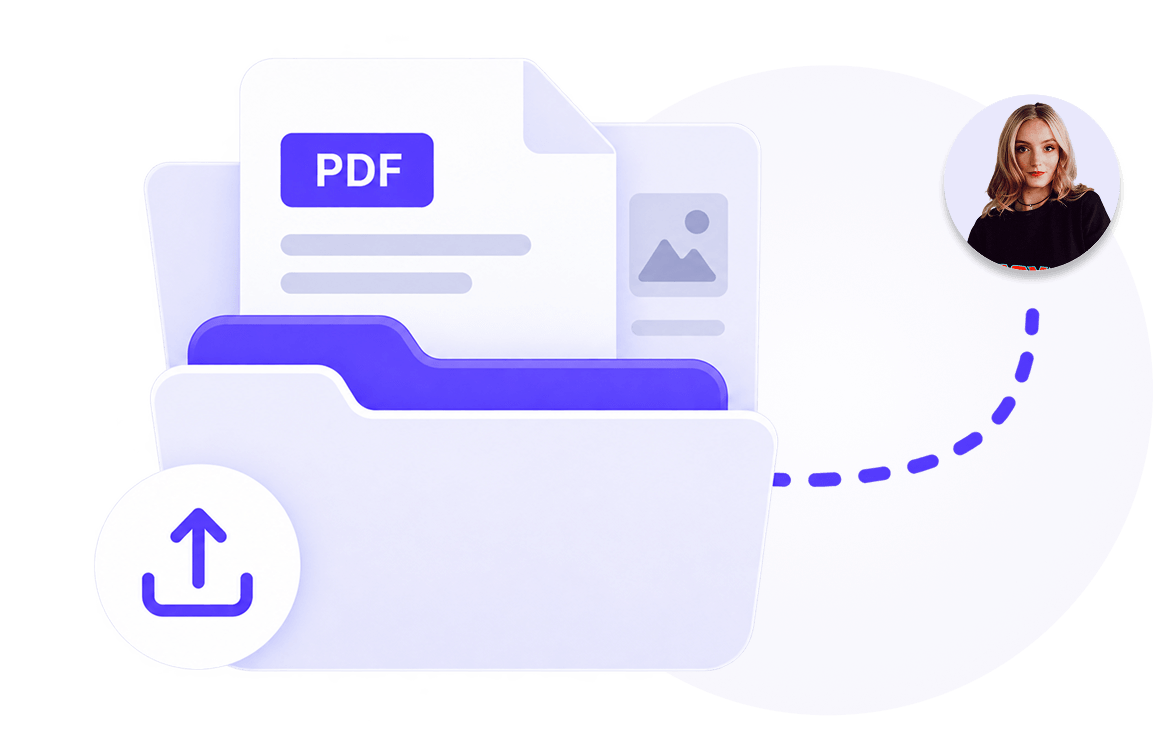
Manage documents centrally and share them selectively with employees.
Learn more
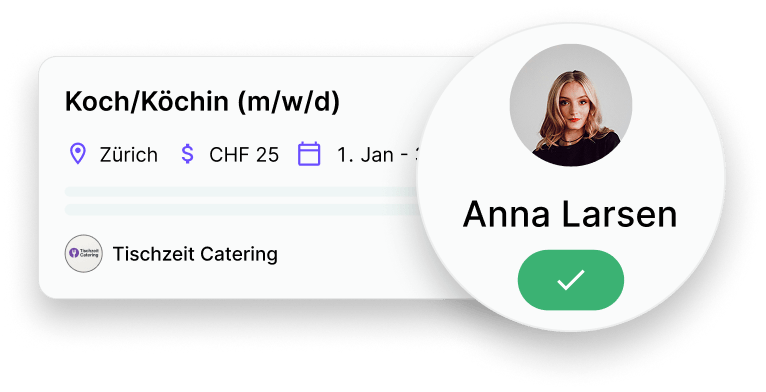
Publish vacancies, collect applications and hire faster and with less administration.
Learn more
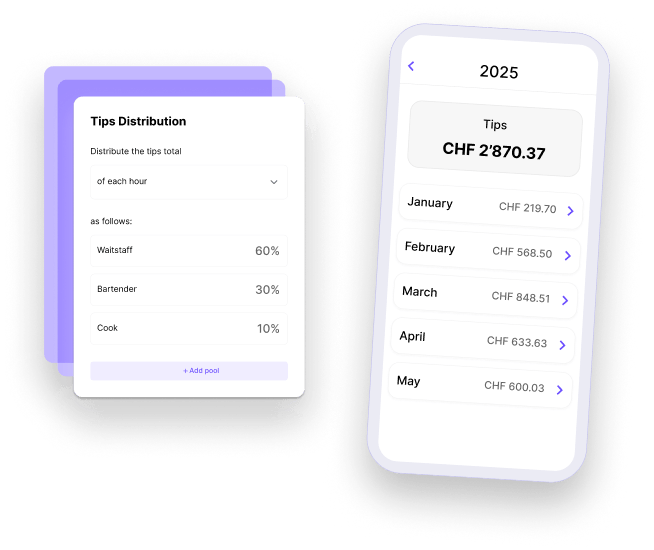
Distribute tips accurately and fairly.
Learn more
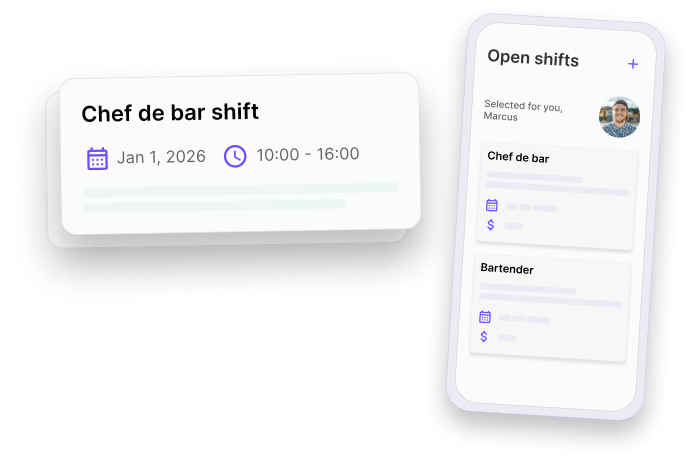
Fill gaps in the schedule quickly and give your employees the opportunity to take on additional shifts.
Learn more
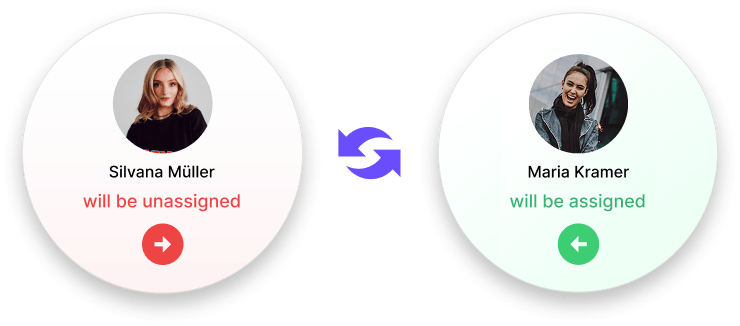
Allow your employees to swap shifts - with just one click for approval by their supervisor.
Learn more
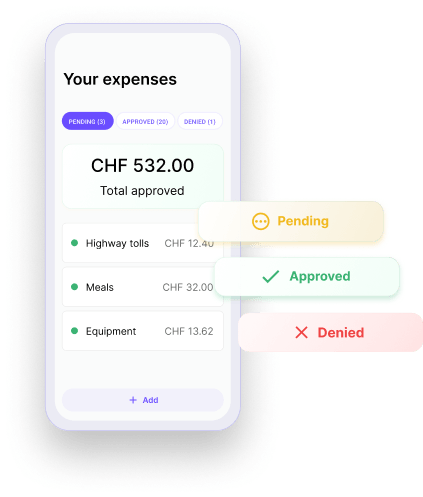
Check and approve expenses submitted by employees directly in the app.
Learn more
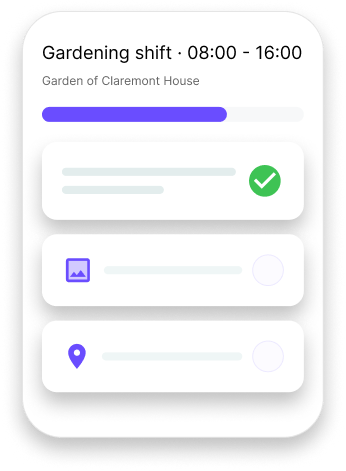
Make shifts to clear, understandable work - with structured tasks and shared context.
Learn more