Mobile

Work schedules, updates, and time tracking right in your pocket.

The Squadra Mobile app provides employees with everything they need to stay informed, manage their sessions, and track their work hours directly from their smartphones.
Mobile

The Mobile App for Employees

The Squadra Mobile app is the central access point for employees.

The mobile app was developed with employees' needs in mind. It helps teams stay informed, respond to work-related inquiries, and manage their daily work from anywhere.

Employees can:

  • View Upcoming Sessions
  • Track Work Hours and Breaks
  • Submit Availability
  • Apply for open sessions
  • Get news and updates
  • View Time Entries and Balances

Mobile Dashboard

Everything you need for your daily work.

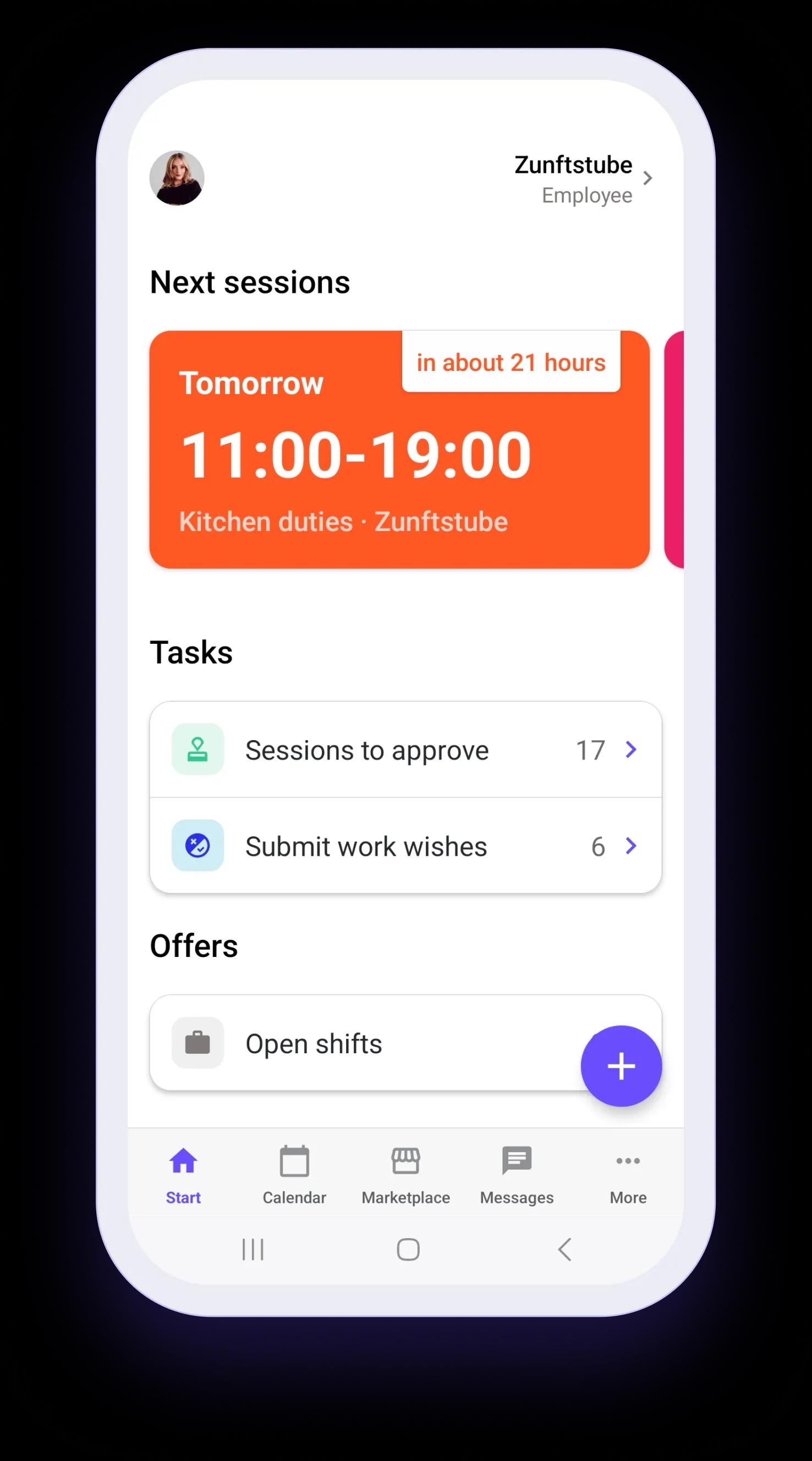
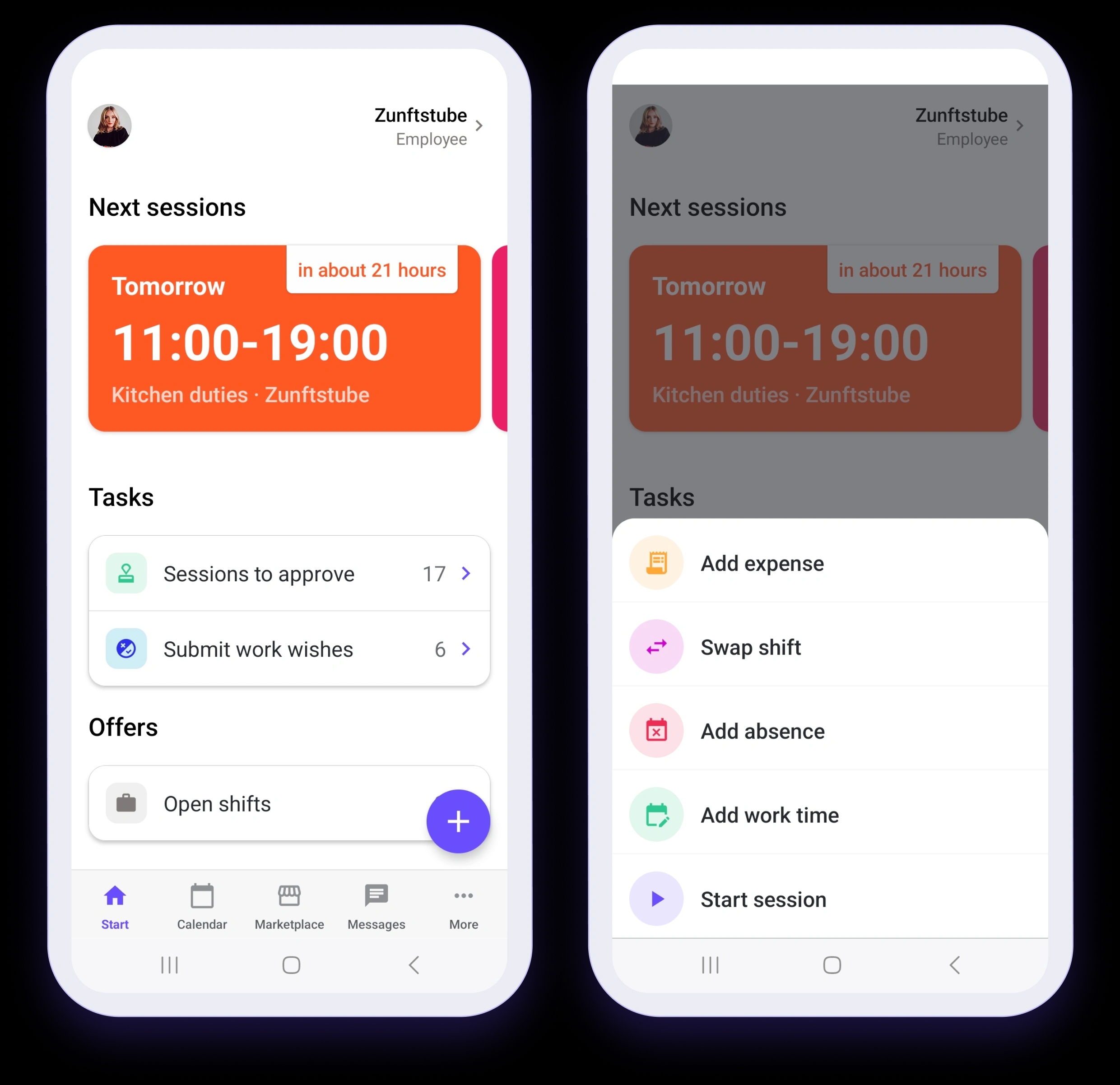
Employees can see their upcoming sessions, tasks, available sessions, and current schedule changes at a glance. All on a central dashboard.
Mobile Dashboard

Upcoming Sessions

  • Fully prepared for any session
  • Quickly Identify Changes to Plans
  • The Coming Days at a Glance

Tasks

  • Keep Track of Important Tasks Automatically
  • Clear Priorities and Next Steps
  • Fewer things to keep track of

Offers

  • More ways to work
  • Faster Responses to Available Sessions
  • Easy Participation in Shift Changes

Quick Actions

  • Frequently Used Actions Always at Your Fingertips
  • Less navigation, fewer taps
  • Faster Responses to Operational Needs of Branches

Profile

Employee profiles managed by the employees themselves.

When employees are invited to join Squadra, they receive a link to download the app and can fill in their profile information themselves. This reduces administrative work and ensures that employee data remains up to date.

Employees can:
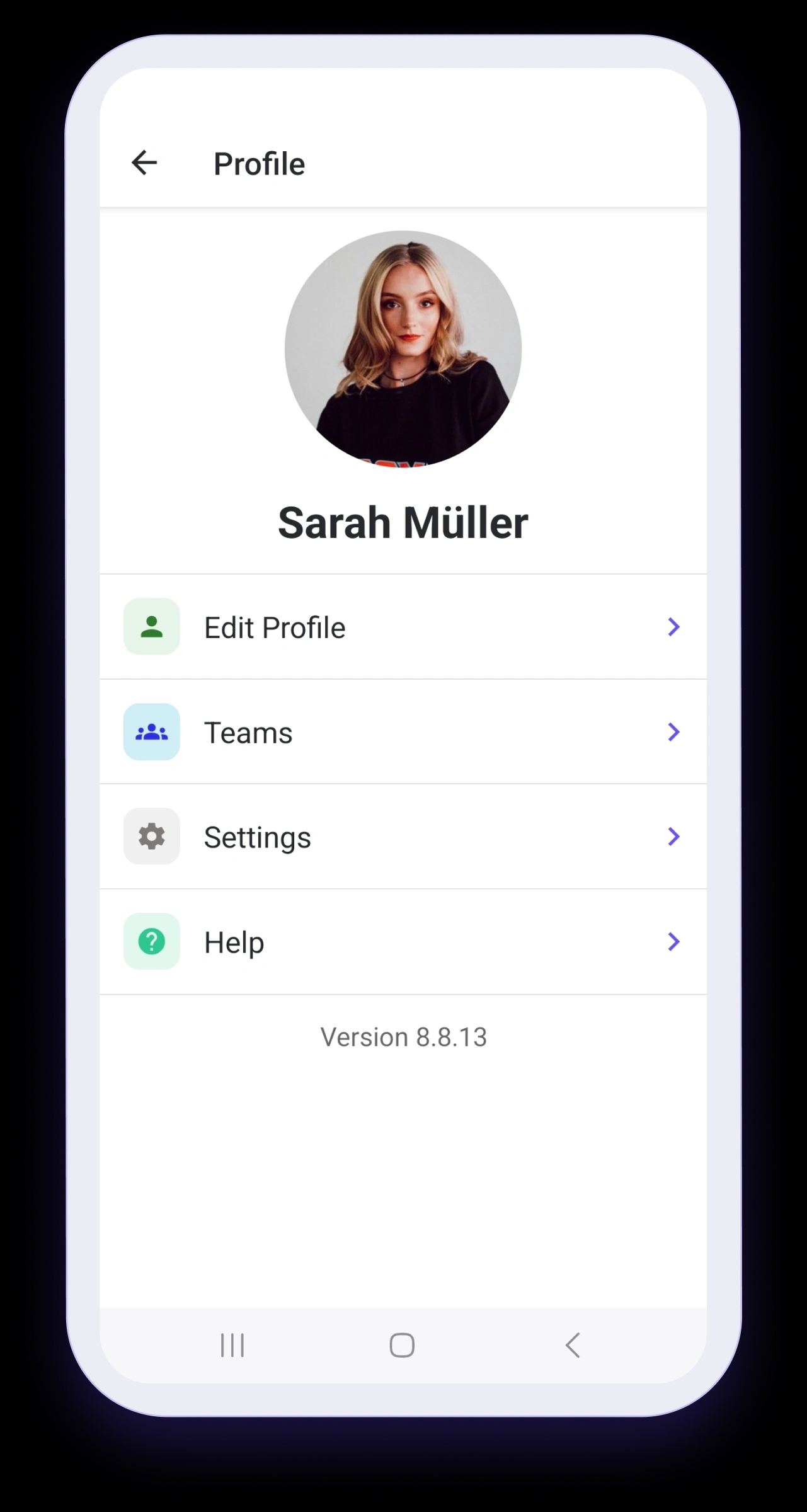
  • Add and Update Personal Information
  • View the branches to which they are assigned
  • Connect Squadra to your personal calendar
  • Customize the app to suit your needs
Profile

Calendar

Know when and where you're working.

Employees can view their upcoming sessions directly in the app—including the time, location, and other details.

Employees can:
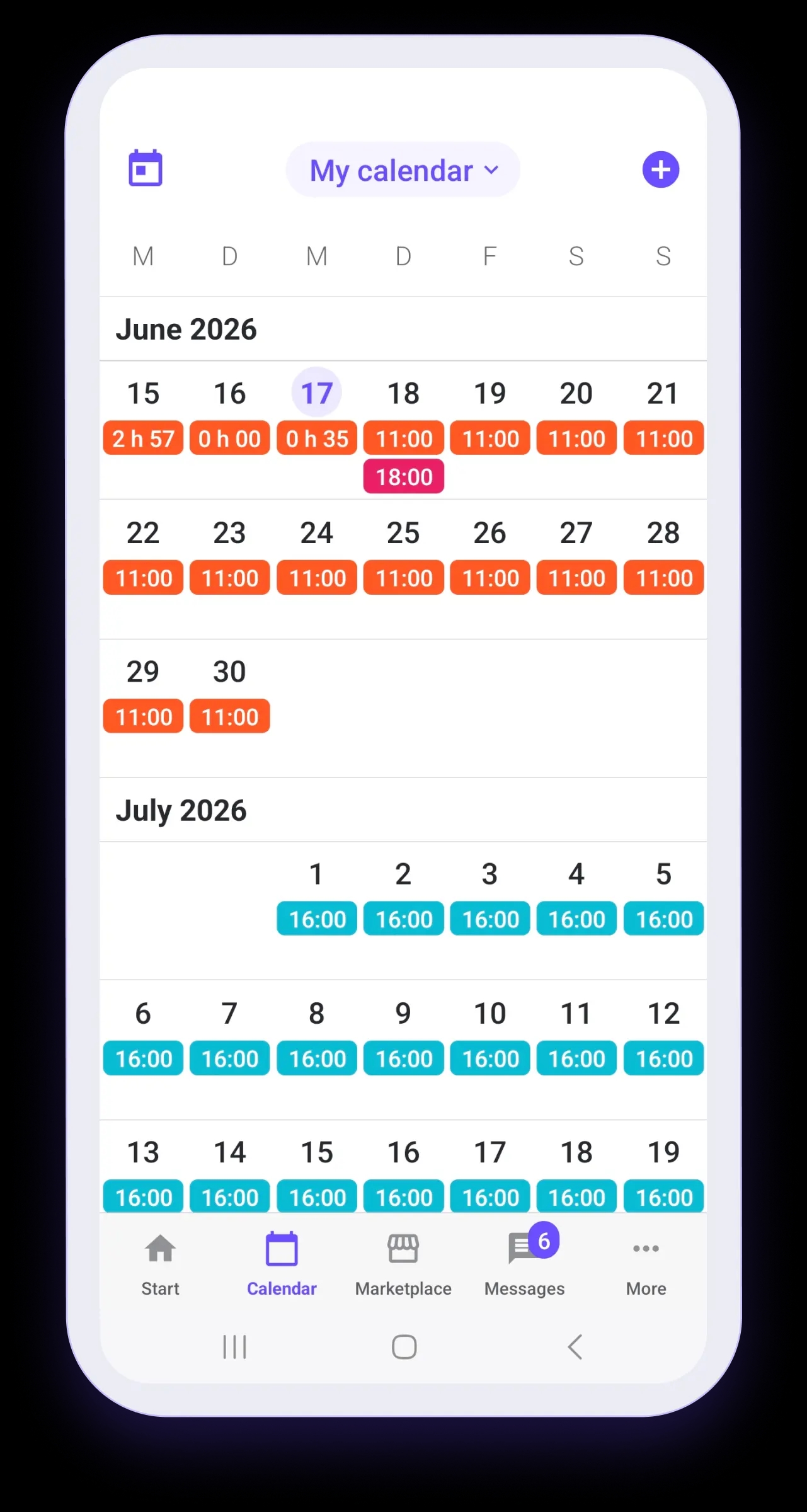
  • View sessions spanning days, weeks, and months
  • Stay informed about changes to the work schedule
  • View mission details at any time
  • View hours already worked at a glance
Calendar

Time recording

Keep track of your work hours at all times.

As soon as employees start tracking their time, a floating timer remains visible in the app. The timer can be opened at any time to view the current session, manage breaks, or end the work session.

Employees can:
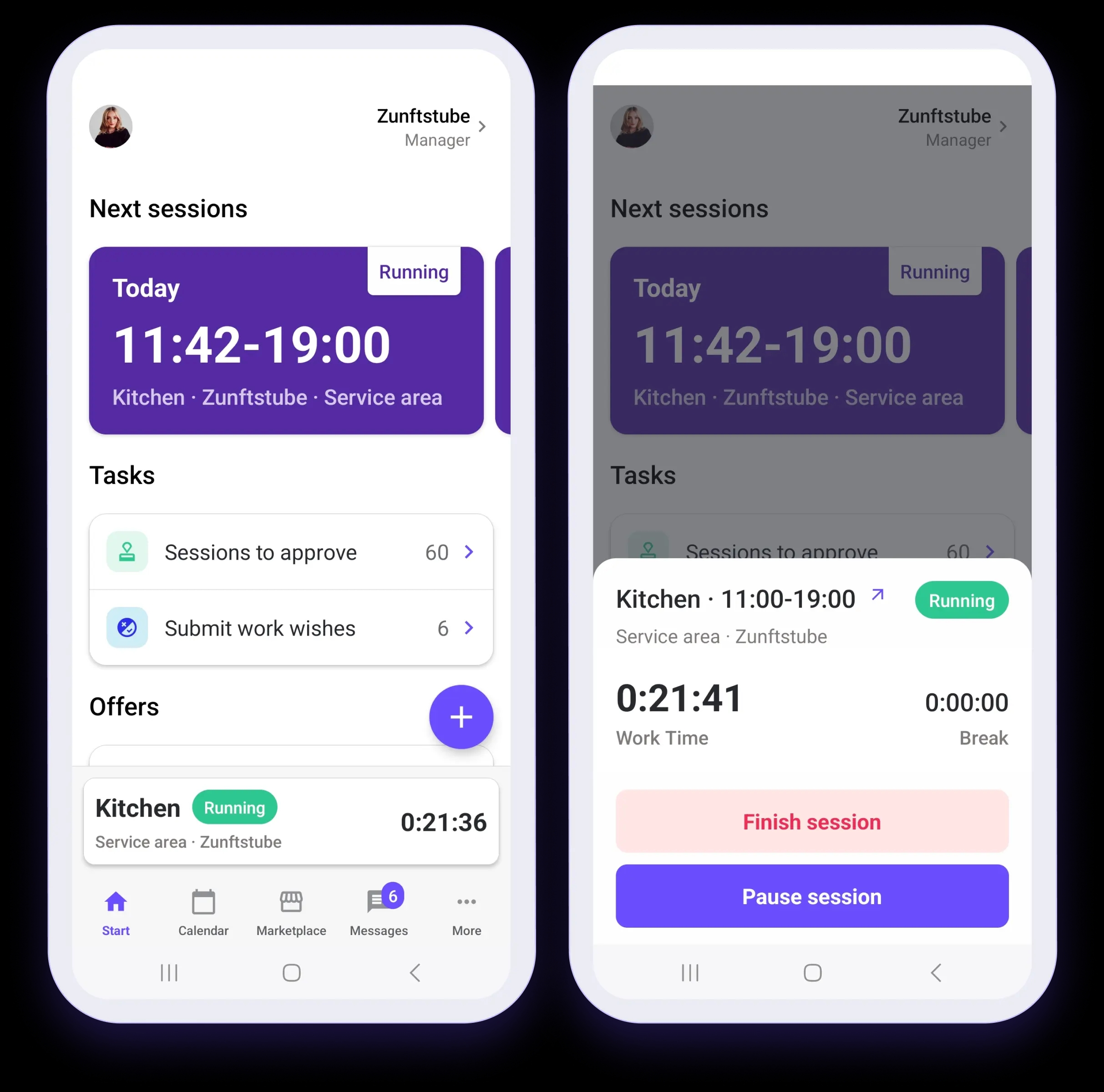
  • Track active work and break times
  • Pause and Resume Sessions in Seconds
  • Access time tracking from anywhere in the app
  • See what time is currently being recorded throughout the day
Time recording

Availability

Please let us know when you are available to work.

Employees can enter their availability directly in the app. This helps managers with scheduling and reduces unnecessary follow-up questions.

Employees can:
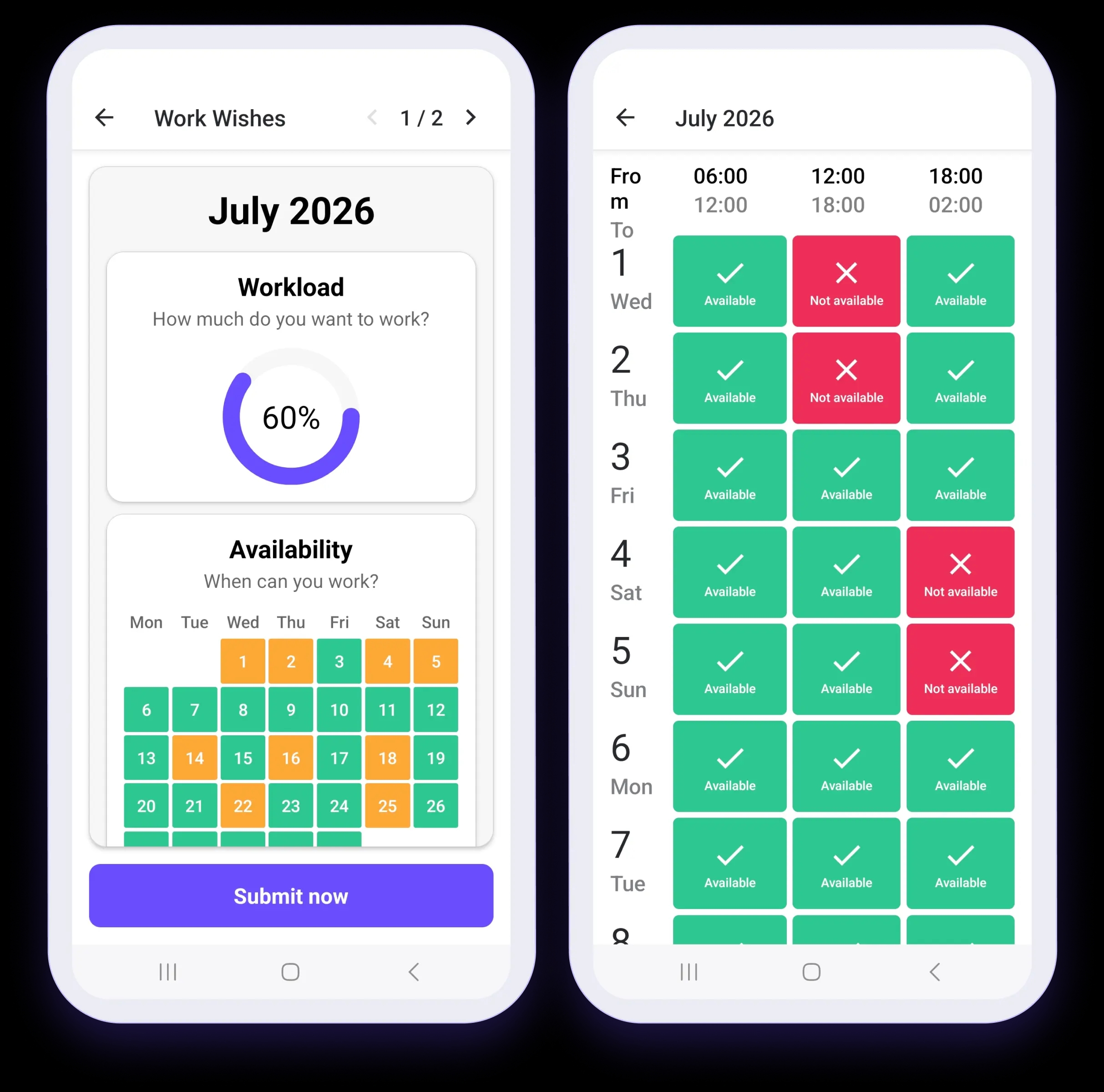
  • Add unavailable times
  • Please specify your desired workload
  • Increase Your Chances of Being Selected for Priority Sessions
  • Support managers in improving their planning
Availability

Marketplace

Take on additional sessions.

In the Marketplace, employees can view available opportunities posted by managers or other employees and apply for them directly in the app.

Employees can:
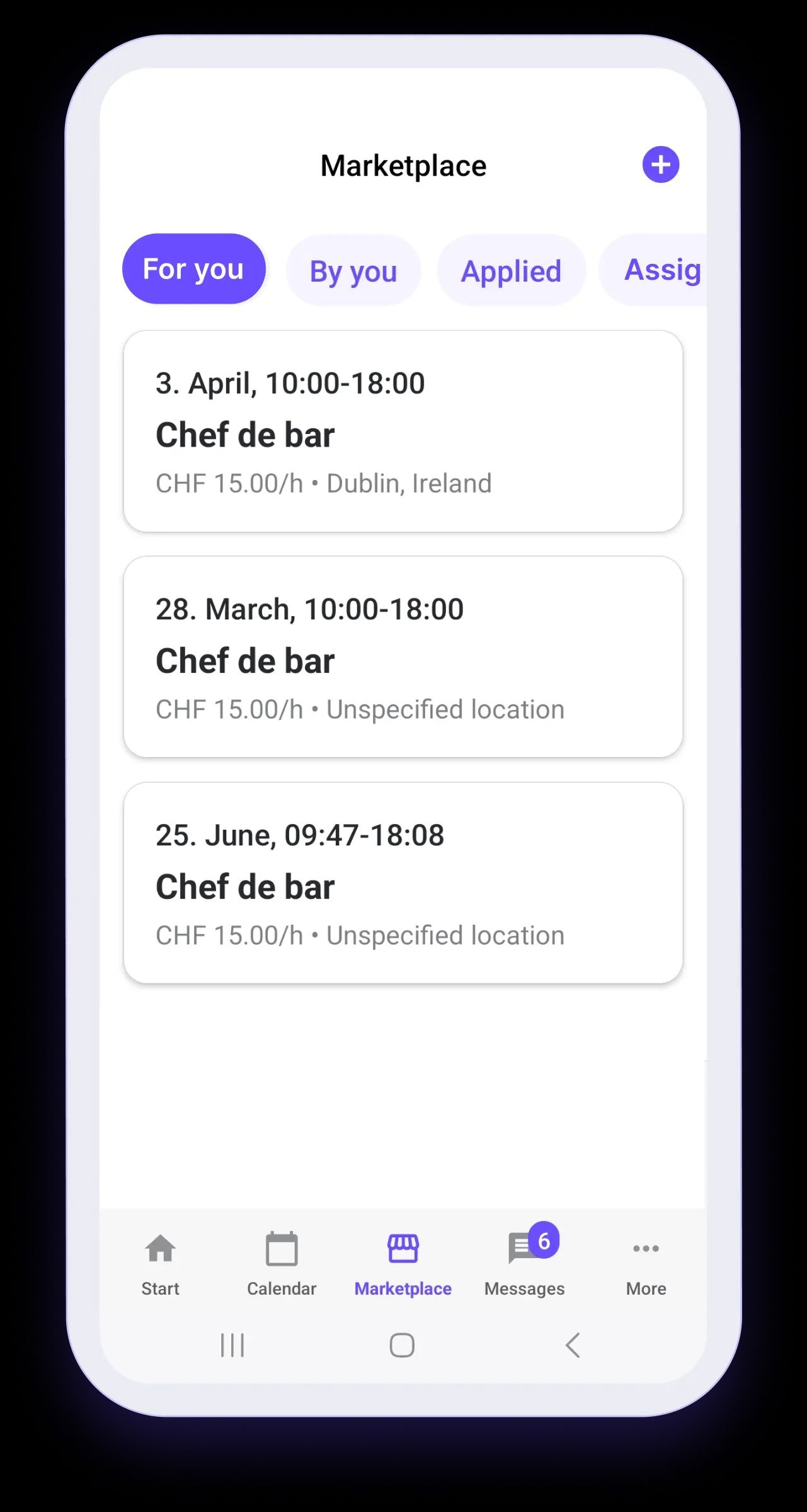
  • Browse available sessions
  • Apply for open shifts
  • Take Over Shifts When Automatic Assignment Is Enabled
  • Track the status of your application
  • Offer your own sessions for hiring
Marketplace

Chats

Stay up to date without scattered news.

The mobile app consolidates work-related communication on the same platform that is also used for work schedules and operational processes.

Employees can:
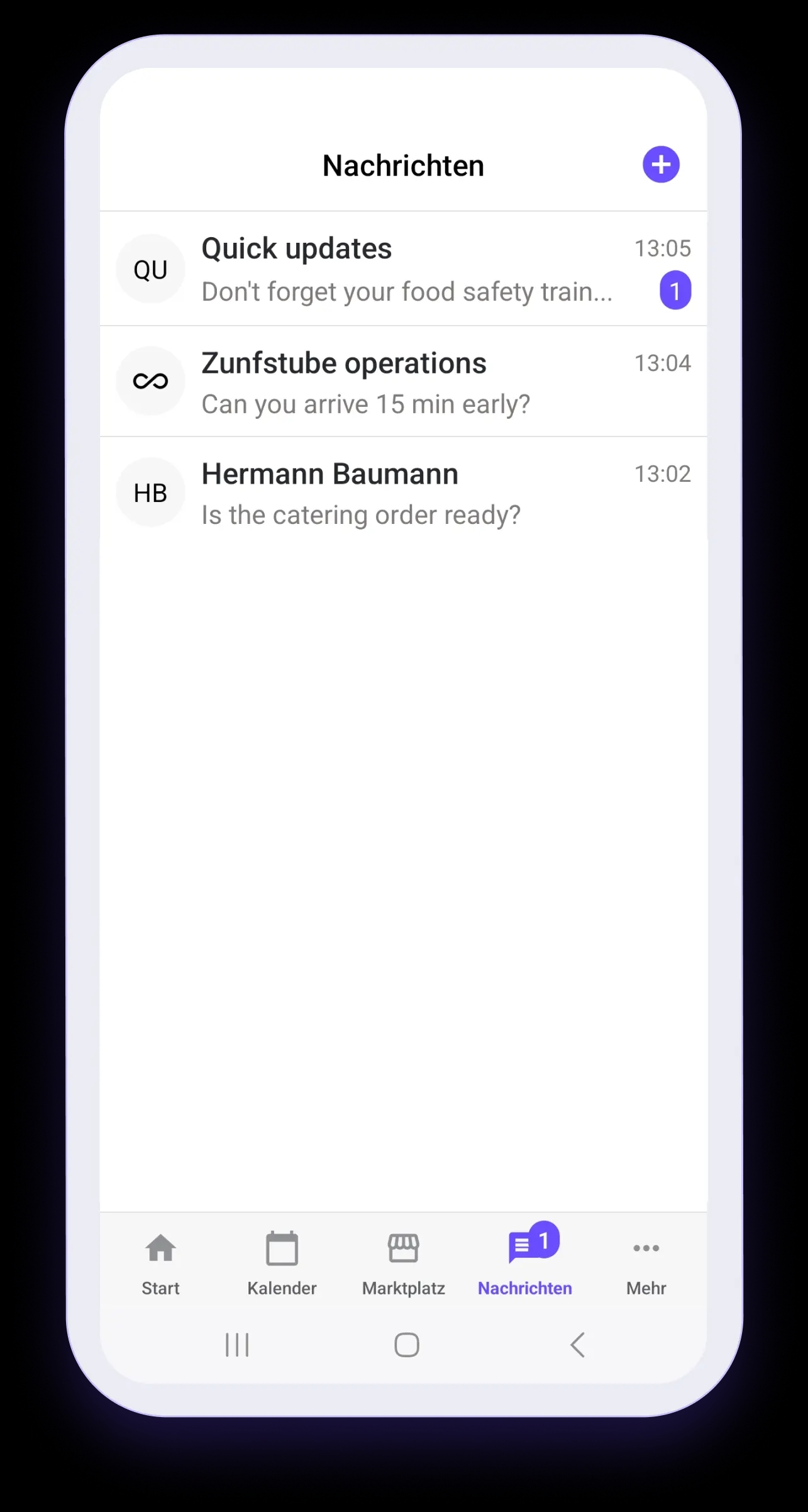
  • Receive important updates from supervisors
  • Read announcements
  • Staying Engaged and Available During the Workday
  • Separate work-related communication from personal chats
Chats

More

Everything else is exactly where you'd expect it to be.

In the "More" tab, employees can find information and tools that they don't need on a daily basis but that should be quickly accessible at any time.

Employees can:
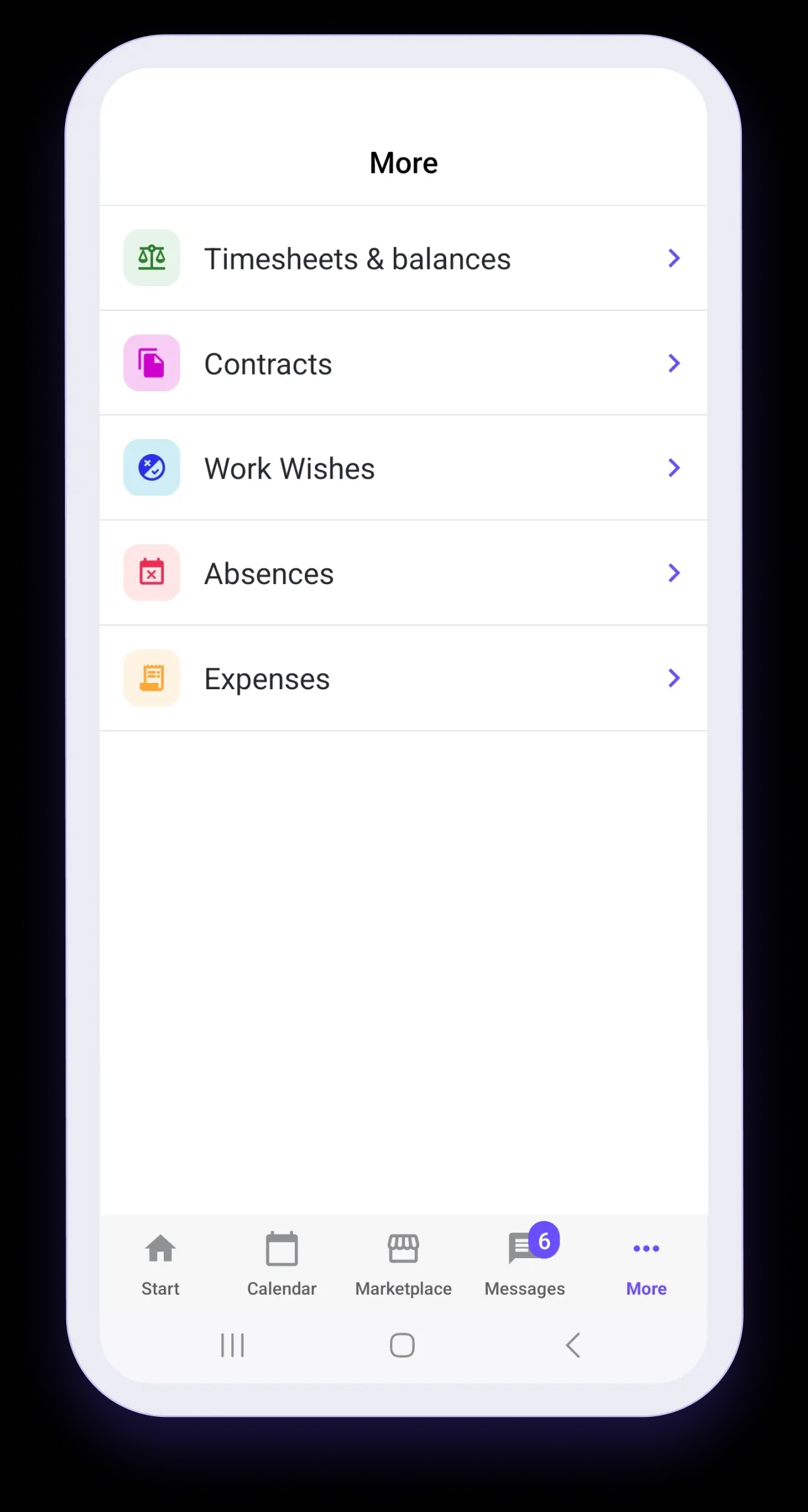
  • View Contracts and Employment Documents
  • View Time Entries and Balances
  • Manage Absences and Work Requests
  • Centrally Manage Workstation Information
More

Discover the Squadra ecosystem.

Each Squadra app is designed for a specific use case. Explore the other platforms and learn how they work together seamlessly.